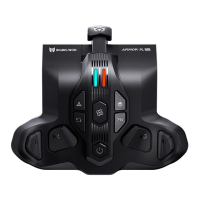
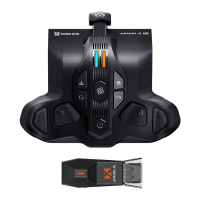
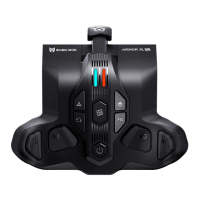
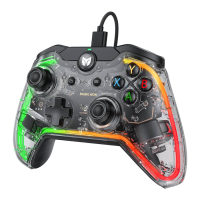
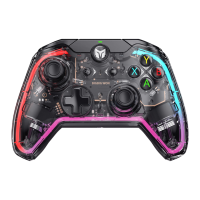
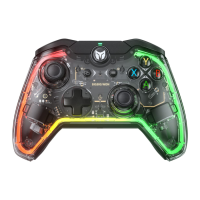
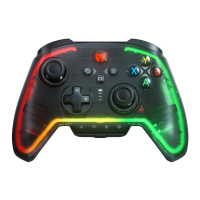
THE BUTTONS SUPPORT TURBO: ABXY,D-pad, LT/RT/LB/RB, M1-M4, RS/LS.
1. TURBO SETTING:
Hold + the button needs TURBO to open the TURBO function. The controller
will shake for 0.2 seconds and LED2 will flash twice in orange.
2. CANCEL TURBO:
Hold “TURBO setted button”and double click the ; the LED2 will flash twice in
orange means cancel success.
3. CANCEL ALL BUTTONS’ TURBO:
Double click the , LED2 will flash twice in orange and all TURBO will be canceled.
4. CHANGE THE FREQUENCY OF TURBO:
Hold + ↑ to change the frequency in 5/s, 10/s, 20/s
(The TURBO frequency won’t be changed by on-board profiles).
TURBO BUTTON
THE BUTTONS SUPPORT TURBO: ABXY,D-pad, LT/RT/LB/RB, M1-M4, RS/LS.
1. MACRO RECORDING:
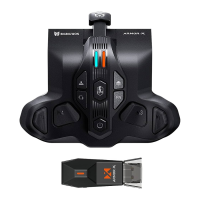
Press + (M1/M2/M3/M4), the LED2 will breathe in red the ARMORX enters
recording mode. Press the buttons on the controller after the recording is finished
click once LED2 will flash twice means end recording. The LED2 will slowly
flash during the MACRO is being executed.
2. CANCEL MACRO:
Hold the button need to be canceled (M1-M4) and double click the , LED2 will
flash twice in red means cancel success.
3. CANCEL ALL MACRO:
Double click the , LED2 will flash twice in red means cancel success.
MACRO RECORDING


 To Next Page