II. Electric BigRep
II-C Security stops
* 2016-04-07
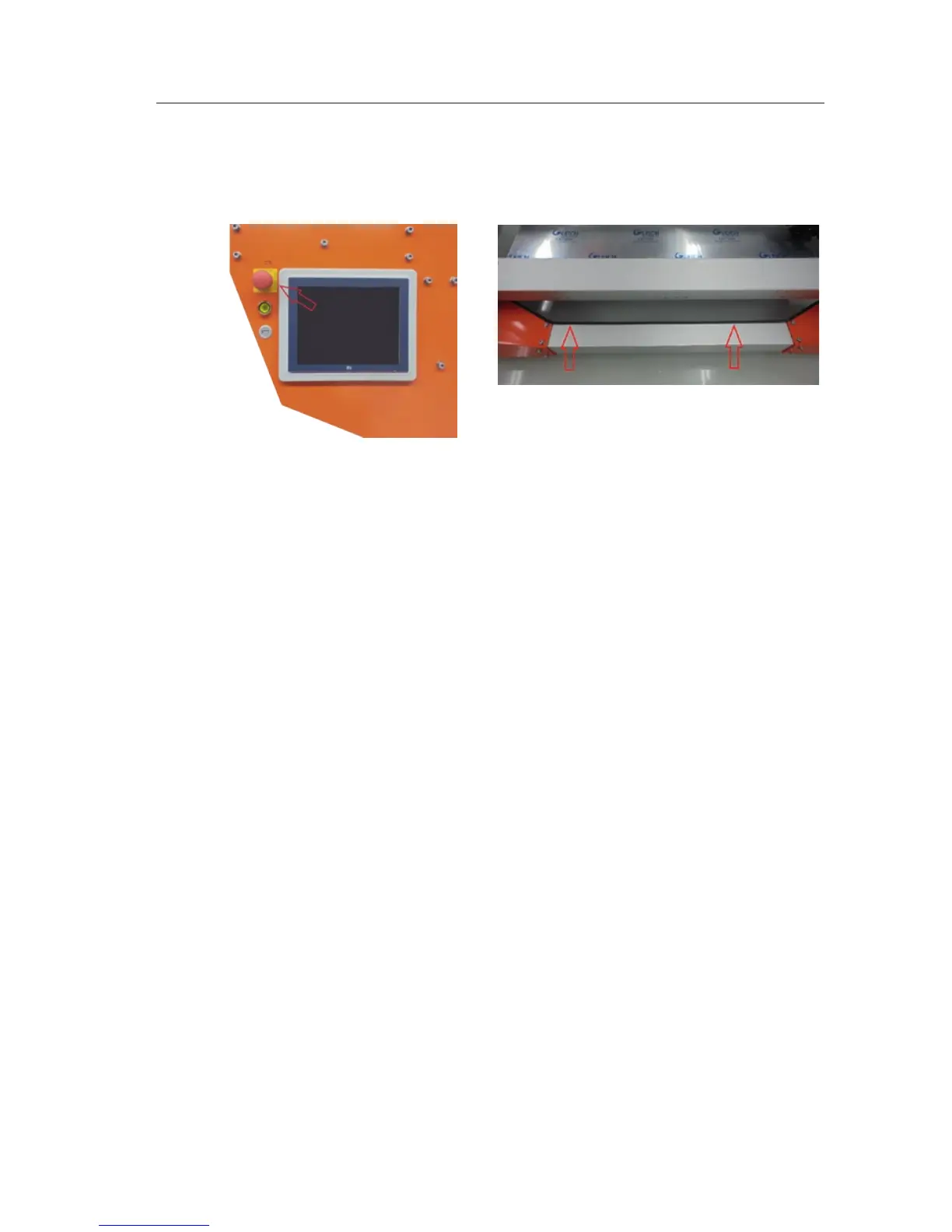
In order to bring all moving parts to a stop in an emergency:
› Press the emergency stop button (P) on the control panel (A) or
› Activate the safety edge at the top and bottom of the frame (J) by applying
gentle pressure
Emergency stop activation does not turn o the power supply. To turn o the
power supply, always set the main switch (O) to O.
To start the machine aer an activated emergency stop, unlock the emergency
stop button by turning it to the right. Then press Reset (S).
To start the machine aer having activated the safety edge, press Reset (S).
In both cases the printer has to be restarted.
II-C 1/1



 To Next Page