IV. Setup BigRep
IV-C Unpacking
* 2016-04-07
There are two possibilities to get the printer out of the box:
1. Use a forkli and belts and li the printer out of the box
2. Use the front side of the box as a ramp and pull out the printer by hand. The
front side comes with preassembled angle brackets
Tools
Electric Screwdriver, Phillips Head, Knife [Optional: Forkli Truck & Belts]
Note
Please mention: This is a job for at least two people. It is ok if the second person
is one of the customer’s sta. As the box comes with a preassembled ramp and
the printer has wheels, it is possible to pull the printer out of the box [option no1]
without a forkli truck [option no2]
Procedure
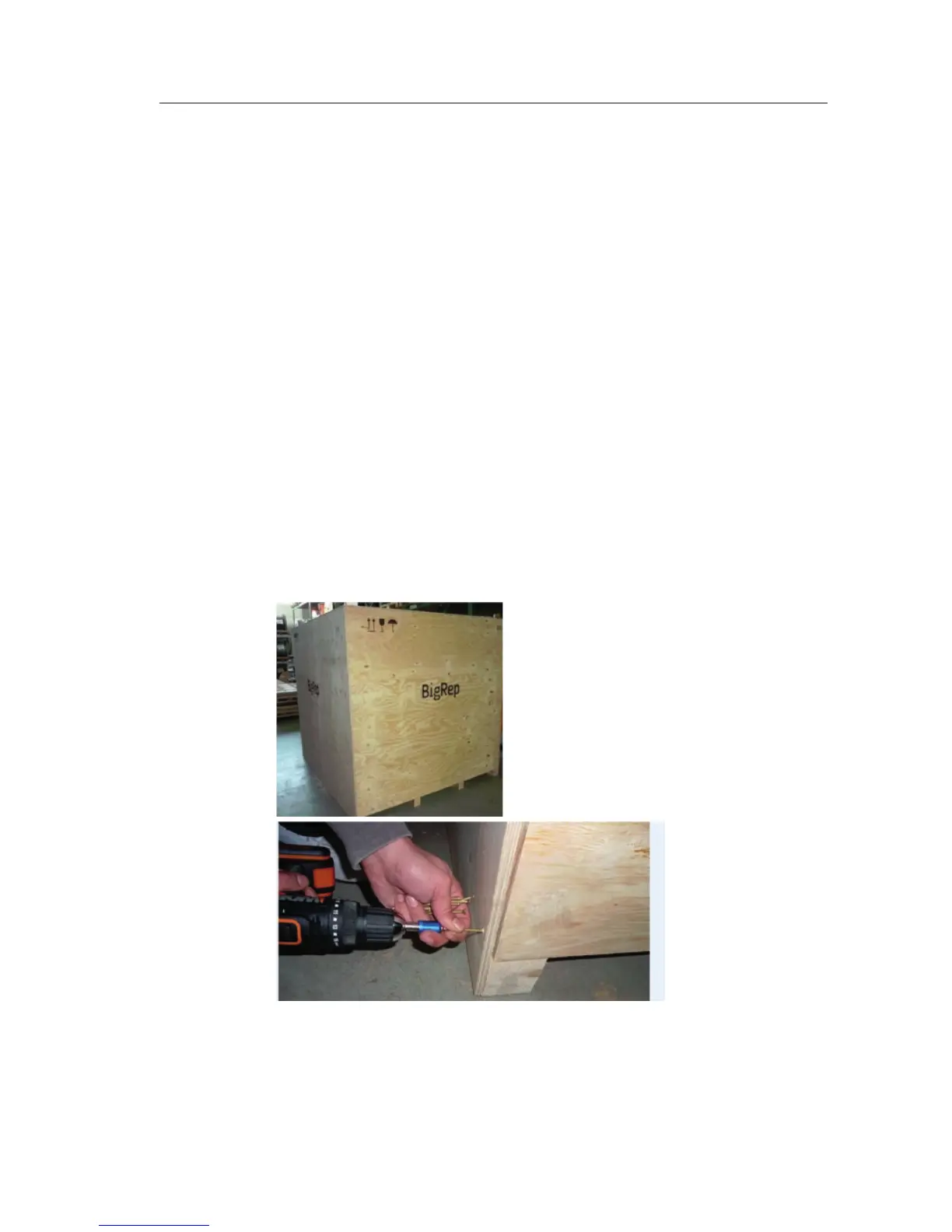
1. Open the front side of the box (labeled as front) with an electric screwdriver.
The front side of the box will be used as a ramp in case you do not have a
forkli available.
a.
b.
2. Open the back side of the box with an electric screwdriver.
3. Loose all of the wooden fixing/transport security beams
IV-C 1/5



 To Next Page