IV. Setup BigRep
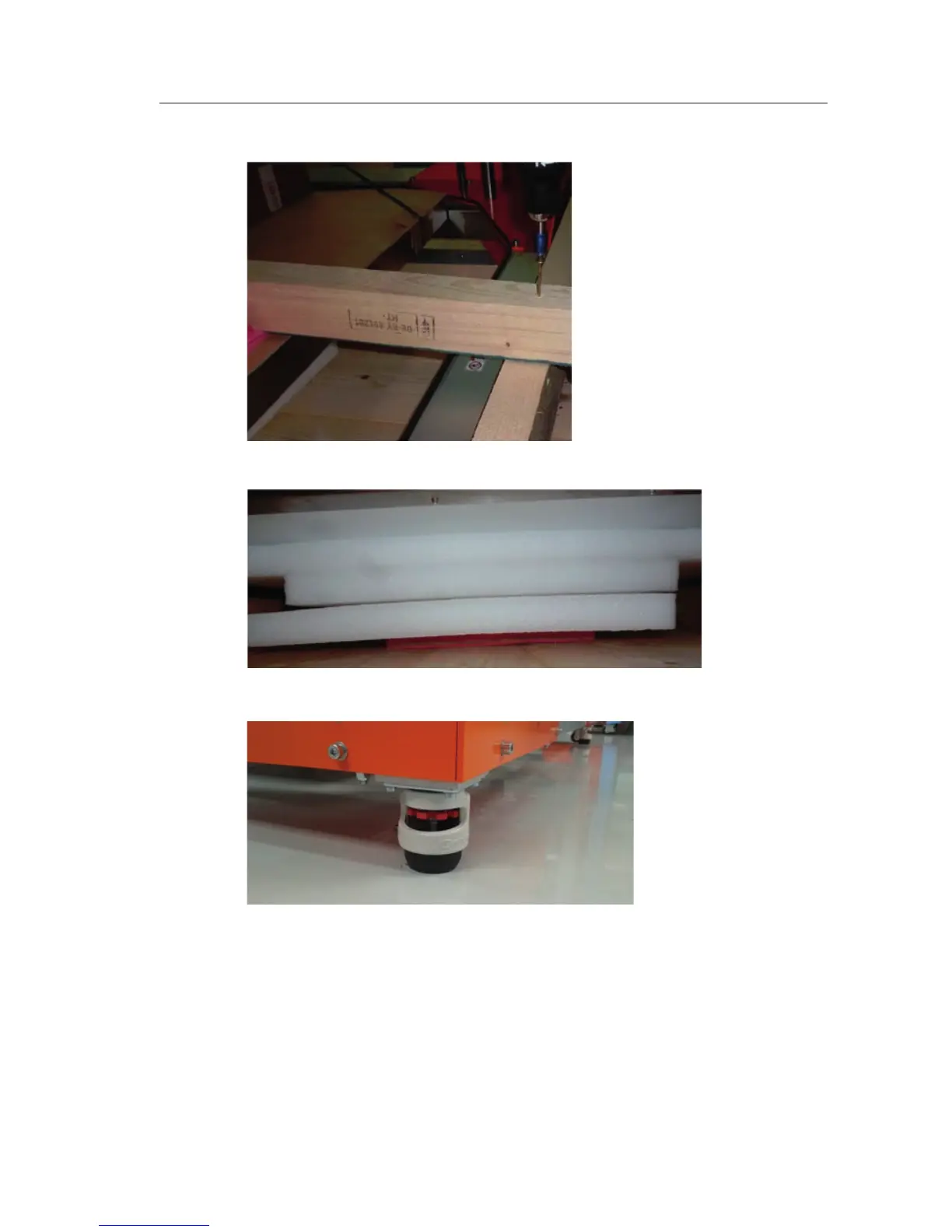
4. Take away the security foam under the table
5. Loose the brackets at each of the four wheels of the printer.
6. Now the printer is ready to be pulled out of the box. We have two options
Option 1
Use a forkli and belts and li the printer out of the box
a. Take o the lid and both sides of the box – use the electric screwdriver to
unscrew all screws
b. Put the belts under the frame at two sides of the printer.
IV-C 2/5



 To Next Page