V. Maintenance BigRep
V-E Check stepper value axis
* 2016-05-07
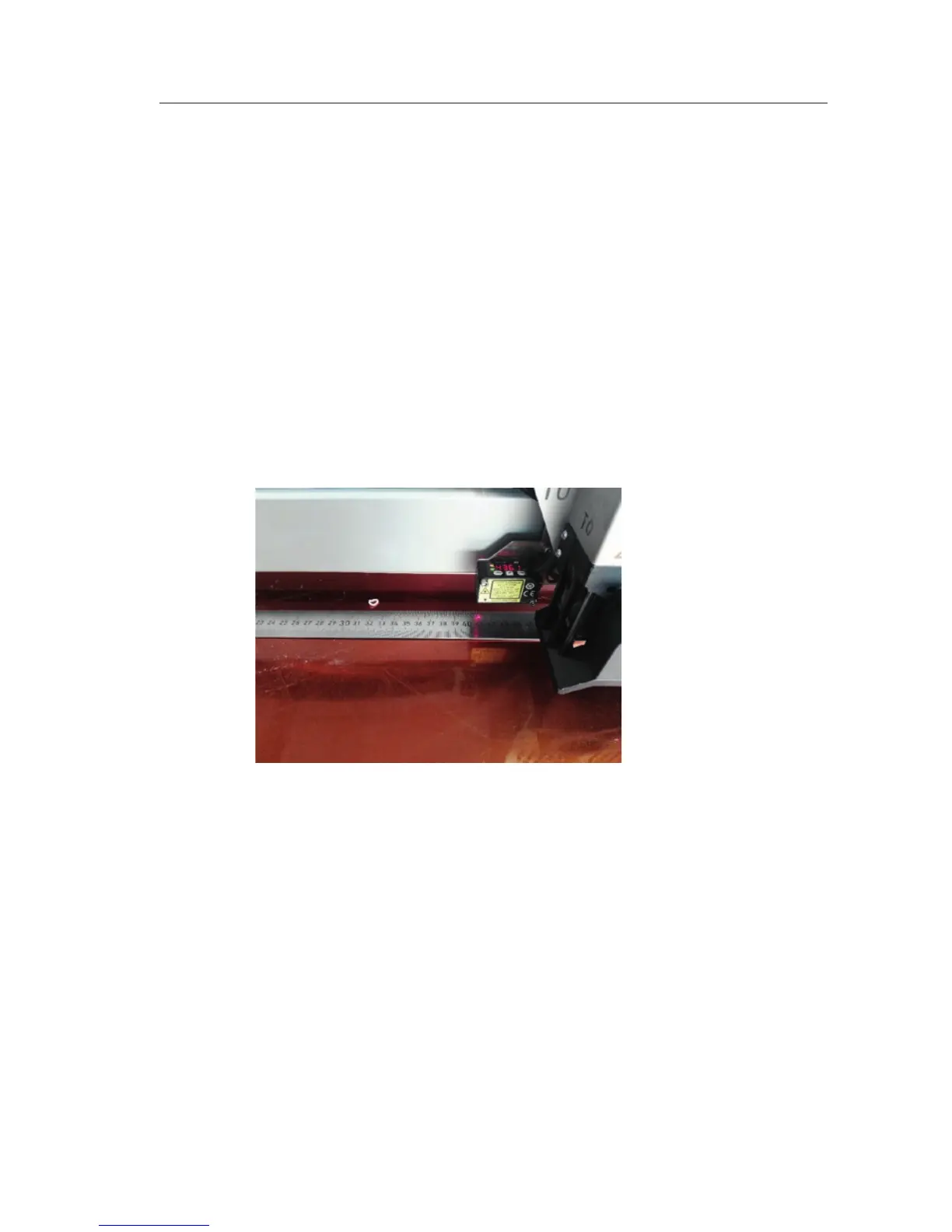
In case there is an issue with correct measurements of the prints, the stepper
values of each motor have to be checked. The stepper values tell the printer how
many steps per mm have to be done for each axis. Example for X-Axis.
1. Home
2. Drive to G1 X200 Y200
3. Use laser as 0 position
4. Drive to G1 X500 F3000
5. Measure the distance with metering rule (use laser)
6. In case it is more or less than 500mm, for example 490mm:
500/490 = 1,02 --▷ multiply 1,02 with the present config value and change
the value within the config + save config
Check stepper value feeding wheel
Beneath the axis the stepper value for extruder feeding wheel is most important,
as this value has to be changed aer hardware replacement and/or change of
material:
1. Mark 300mm of filament (from top of extruder)
2. Extrude 300mm of filament
3. Measure the filament which is extruded
4. In case it is more or less than 300mm, for example 260mm:
300/260 = 1,15 --▷ multiply 1,15 with the present config value and change the
value within the config + save config
V-E 1/1



 To Next Page