www.bigstone-nj.com
Address:NO.38 Ningliu Road, Pukou District, Nanjing City, China
Tel:025-89618445
Fax:025 – 58849541
Email: bigstone.ebike@gmail.com
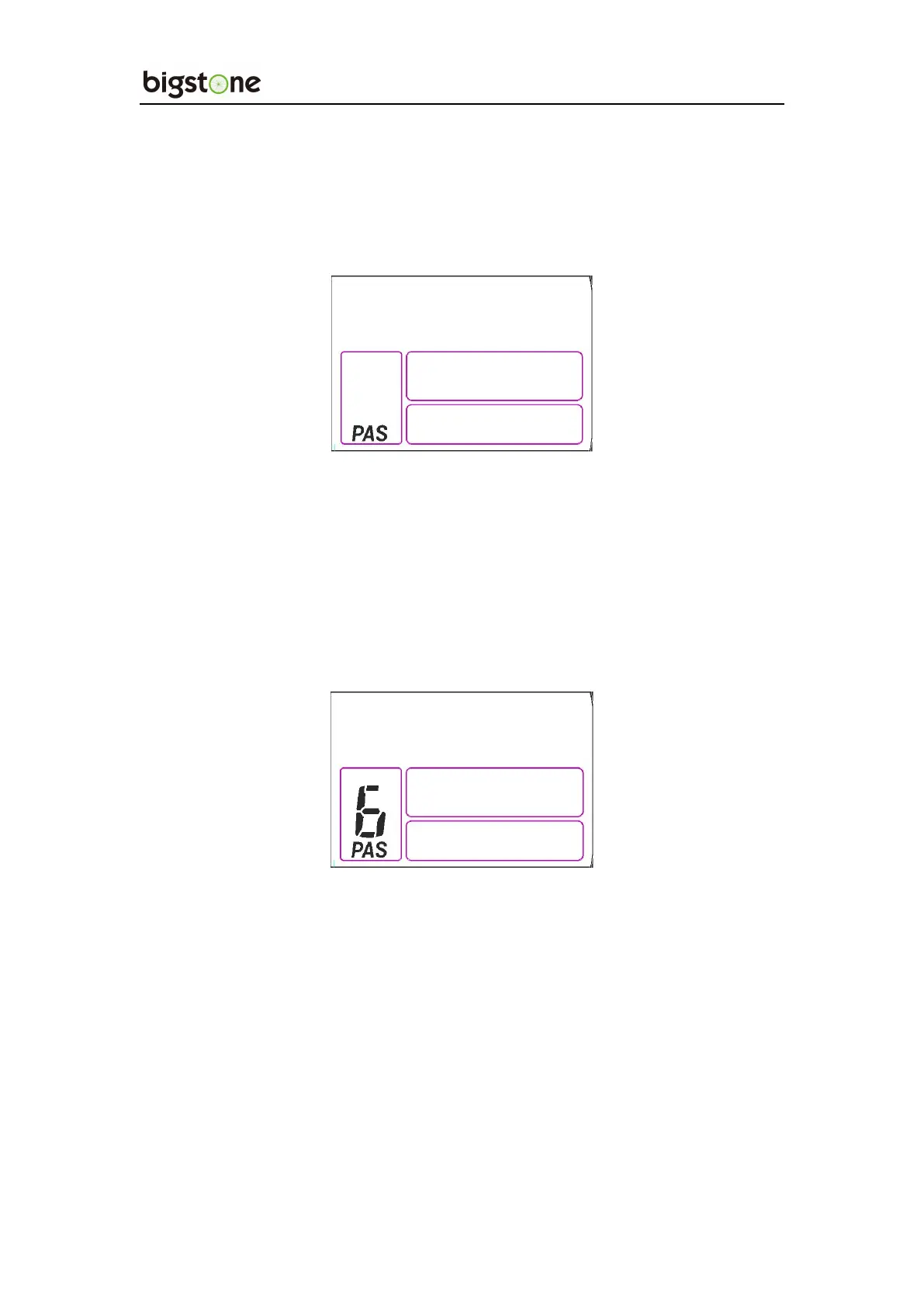
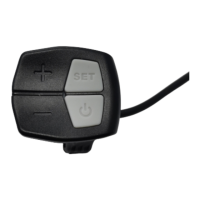
With the power on, Hold the UP for 2 seconds and turn on the Power
Assist System. Hold it again and turn off the Power Assist System.
Click UP or DOWN to change the stages and output power ratio, the
default mode is mode 9 and it’s output power range from level 1 to level
9, the default value is level 0 .
9. Error Code Indicator
If there is something wrong with the electronic control system, the
display will flash at 1 HZ and show the error code automatically.
Different error code is corresponding with different error information.
See the last page Error code table for details.


 To Next Page