www.bigstone-nj.com
Address:NO.38 Ningliu Road, Pukou District, Nanjing City, China
Tel:025-89618445
Fax:025 – 58849541
Email: bigstone.ebike@gmail.com
Click UP or DOWN to select cruise function. The point used for
speed display shining means cruise, the default is not value.
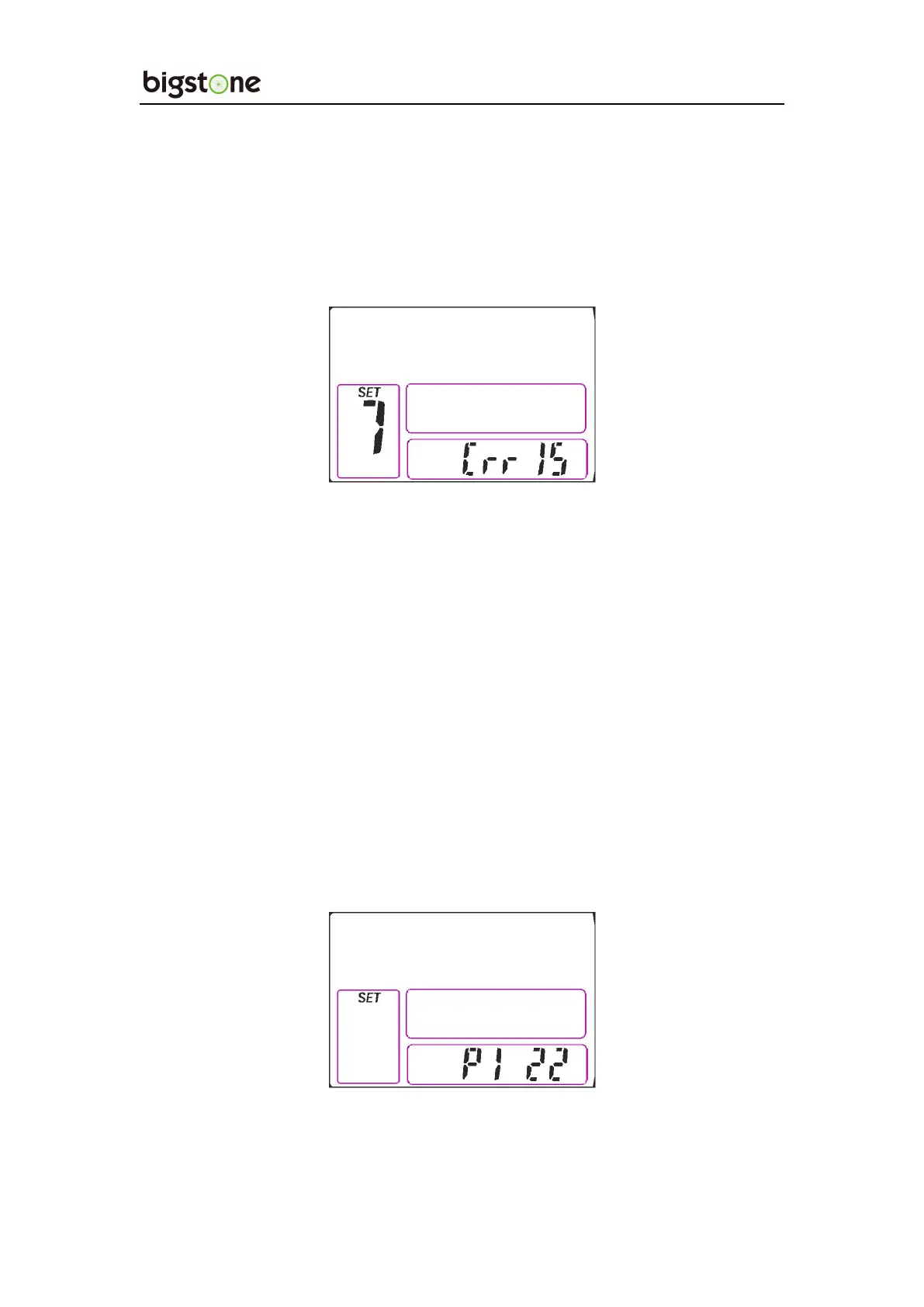
10.1.7、SET7: Current _Limit Setting
Click UP or DOWN to set current _limit.
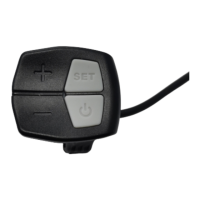
10.2 P Parameter Setting
In the General Project Settings interface,hold the SET for 3 seconds
and enter into the P parameter setting interface. Click the SET to cycle
from P1 to P6 setting interface, press UP or DOWN to select the wanted
parameter, and hold the SET for 6 second to exit.
10.2.1、P1:Motor Characteristic Parameter Setting
P1 is motor characteristic parameter setting, P1 = motor gear


 To Next Page