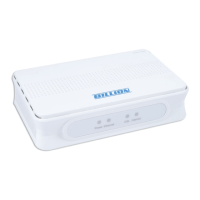
VoIP/(802.11g) Broadband Firewall Router
Chapter 2: Installing the router
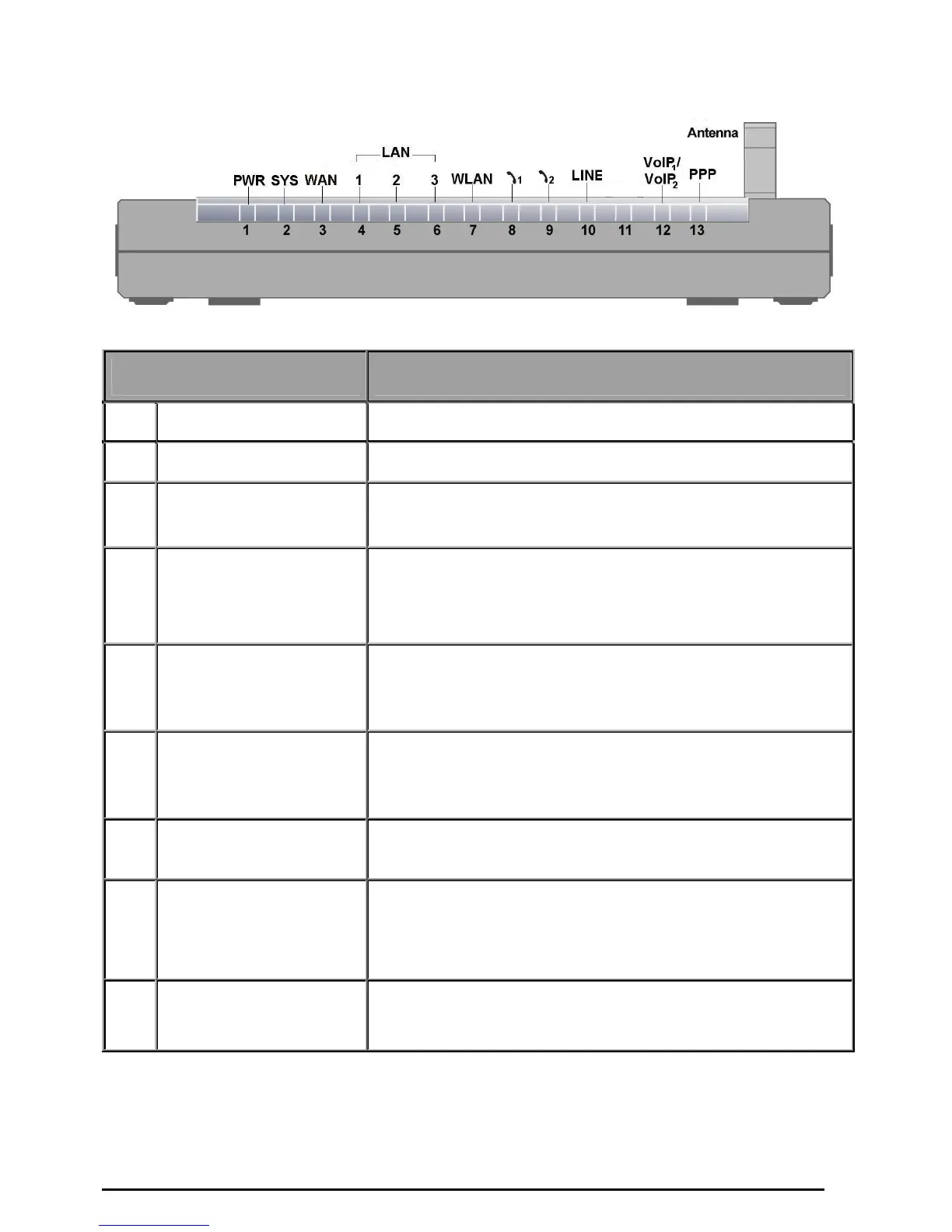
The Front LEDs
LED Meaning
1 PWR Lit when power is ON.
2 SYS Lit when the system is ready.
3 WAN
Lit when connected to an ADSL modem or Cable modem's
Ethernet port well
4 – 6
LAN Port
1X — 3X
(RJ-45 connector)
Lit when connected to an Ethernet device.
Green for 100Mbps; Orange for 10Mbps.
Blinking when data is Transmitted / Received.
7
WLAN
(Wireless Router Only)
Lit green when the wireless connection is established.
Flashes when sending/receiving data.
8 – 9
Phone
1X — 2X
(RJ-11 connector)
Lit green when the phone is off-hook.
10 LINE
Lit when the inbound and outbound calls transmitted through
PSTN.
12
VoIP Port
1X — 2X
(RJ-11 connector)
Lit when the SIP Registration is OK.
Green for Phone 1; Orange for Phone 2.
13 PPP
Lit Green when there is a PPPoE connection.
7


 To Next Page