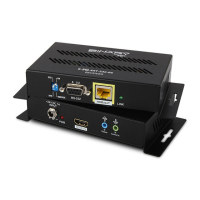
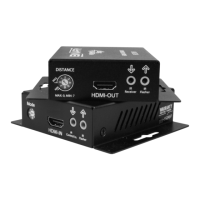
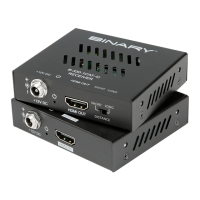
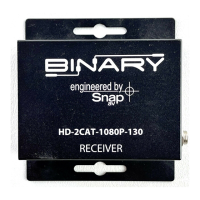
IR Processor / Controller
Note: This diagram depicts the functionality of
serial number 715212090001 or above.
Follow the sections for the serial number of the
unit being installed to ensure that no damage
will occur.
TIA/EIA Standard 568-B (Gold Pins Facing Up)
5. BASIC CONNECTIONS
5.1. HD Link (RJ45) Connections
5.1.1.1. Recommended Cabling
• Shielded Cat5e/Cat6
Connection Precautions!
• The transmission distance is subject to the quality of installed cables, source
device, and display.
Note: The use of keystone jack or other connections along the transmission
path is not supported with this device.
• To reduce video dropouts from ceiling fans and other EMI issues, it is strongly
recommended that shielded CAT5e/CAT6 and shielded RJ45 connectors are
used; “EZ-ends” should not be used.
5.1.1.2. Connection Details:



 To Next Page