Take photo when short press in recording
7. OK Button:
Start/Stop recording
Confirm the setting
8. Down Button:
Forward during playback.
Mute/unmute when short press in video
mode.
9. Micro USB Socket: Connect car adaptor
provided to ge t electricity
10. Connection to suction mount provided
11. Speaker
12. Microphone: Audio recording
13. Reset Button: Press to restart device. (if
unresponsive)
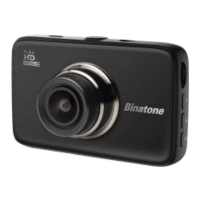
14. Camera Lens
15. Charge Indicator:
Red: Charging
Green/yellow: Full cha
rged
16. Status Indicator:
Blue: Power on
Flashing blue: Video recording
17. GPS Connector
18. Colour Screen
7


 To Next Page