55
9.7.8. BOILER SWITCH OFF
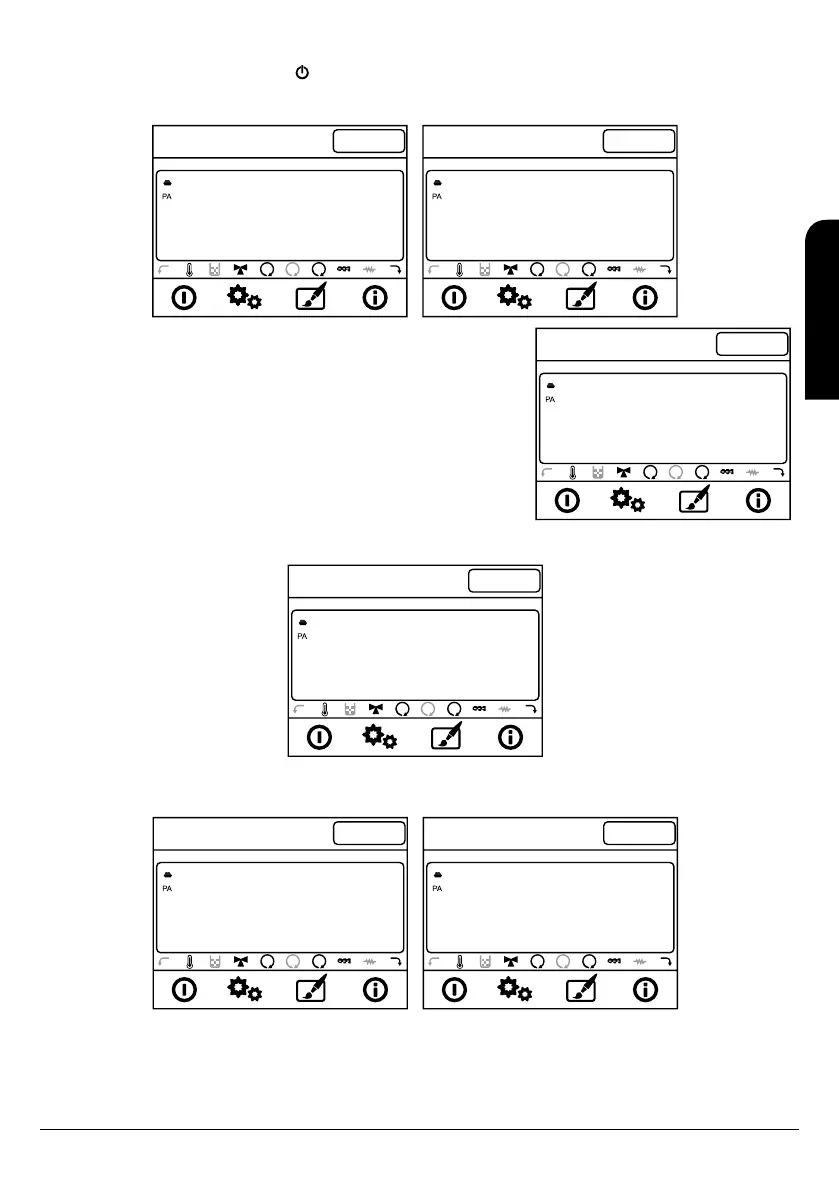
To switch off the boiler we have to push the key during three seconds. Then the boiler start the end cleaning process where the auger stop
and the smoke extractor works at maximum power. This process will not finish until the boiler has reached the proper cooled temperature.
Meanwhile you will see these messages in the display:
11:24
21º
Er.01
65º C
2
1
Extinguish
Wed 11 September
Crono
Disabled
11:24
21º
Er.01
65º C
2
1
Off
Wed 11 September
Crono
Disabled
11:24
21º
Er.01
65º C
2
1
Recover. Ign.
Wed 11 September
Crono
Disabled
9.7.9. SWITCH ON AGAIN THE BOILER
Once the boiler is switch off it will not be able to switch it on again until some security time
has elapsed and the boiler is cool enough. If you try switch on the display will show the
message “Recover. Ign.”
Once security time has passed the boiler will switch on again starting a new lighting cycle.
9.7.10. BOILER STOPPED
In the next picture you will see the message the display will show when the boiler is stopped.
11:24
21º
Er.01
65º C
2
1
Off
Wed 11 September
Crono
Disabled
9.7.11. BOILER IN ALARM
When the boiler is under alarm mode, in the display you will see the alternation of the following screens showing that the boiler starts the
cooling process.
11:24
21º
Er.01
65º C
2
1
Er 05
Wed 11 September
Crono
Disabled
11:24
21º
Er.01
65º C
2
1
Extinguish
Wed 11 September
Crono
Disabled
EN
INSTALLATION, OPERATING AND SERVICING INSTRUCTIONS HYDROBOX, HYDROTEX AND HYDROCONFORT



 To Next Page