56
When cooled, the following screens appear.
11:24
21º
Er.01
65º C
2
1
Er 05
Wed 11 September
Crono
Disabled
11:24
21º
Er.01
65º C
2
1
Block
Wed 11 September
Crono
Disabled
To unlock the boiler, you must press the (red) button for 3 seconds and then you will be able again to proceed with the ignition of the boiler.
Note: There are alarms that require the intervention of the Technical Assistance Service to be unblocked.
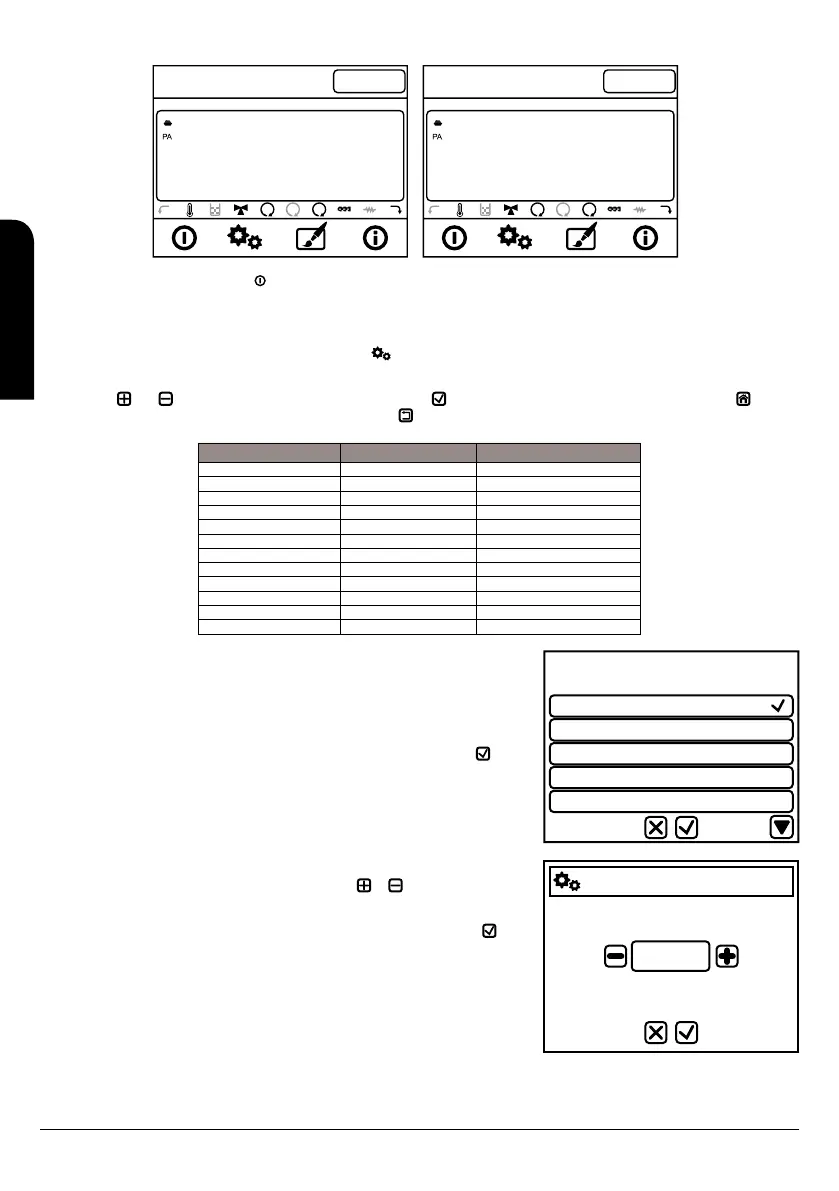
9.8. END USER MENU 1
To access user menu1 it is necessary push only once the key in the display.
Next board describes briefly the structure of the user menu 1 in the boiler. The available options are specified.
To select between different menus we will have to push each line and will access to different available submenus. To modify the values we
have the keys and to increase and decrease and confirmation key . To exit from the menu it is necessary to push the key and go
to the main screen, or increase one menu level by pushing the key .
Menu Submenu 1 Submenu 2
Combustion manage Power 1, 2,3, 4, 5 y A
Auger calibration Value between -7 y +7
Fan calibration Value between -7 y +7
Heating manage Boiler thermostat Value between 40 y 80ºC
Puffer tank thermostat Value between 40 y 55ºC
Summer / Winter Summer / Winter
Remote control On/Off
Chrono Chrono ON
Diary ON
Week ON
Weekend ON
Manual auger load On/Off
Power 1
Power 2
Power 3
Power 4
Power 5
9.8.1. MENU 1. COMBUSTION MANAGE
This menu manages the combustion parameters. It has different submenus:
9.8.1.1. POWER
You can modify the power of the boiler according to different set ups: Power 1, 2, 3, 4, 5 or A
(A=Automatic combustión). The selected value should be confirmed with the key before
going out of the menu.
Settings
Auger Calibration
0
Min: -7 Max: 7
9.8.1.2. AUGER CALIBRATION
You can increase or decrease the fixed value with the keys or . The fixed value from
factory is 0 and the range is between -7 to +7. Consider that each value you modify is
equivalent to modify proportionally 2% each power the value of loading time (seconds)
assigned to the auger motor. The selected value should be confirmed with the key before
going out of the menu.
Consider that as more pellets we load the more power the boiler provides and more
consume of combustible. In case you see the stove does not burn properly or the mix
combustible/air is not the right one try with this loading parameter.
EN
INSTALLATION, OPERATING AND SERVICING INSTRUCTIONS HYDROBOX, HYDROTEX AND HYDROCONFORT



 To Next Page