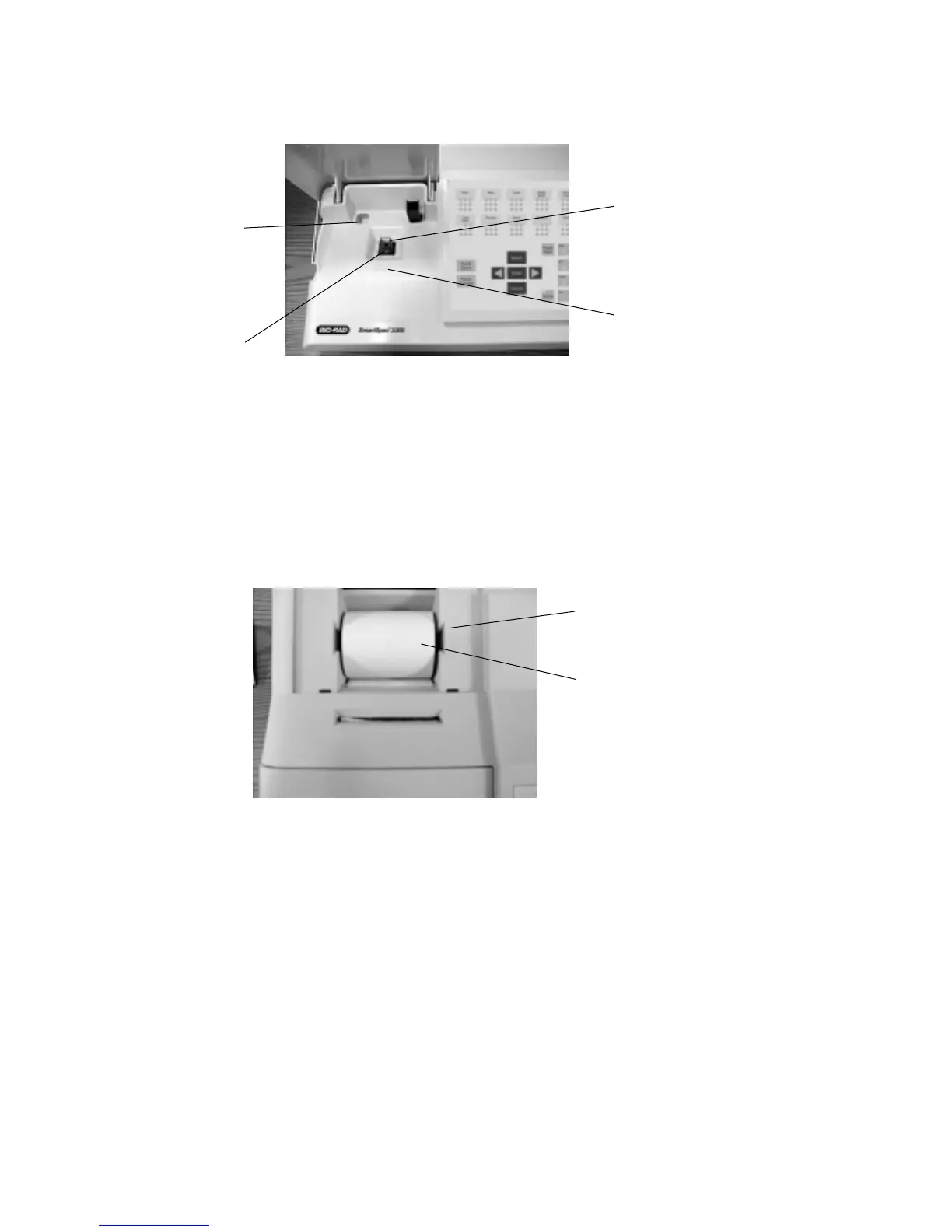
Fig. 3. View of the SmartSpec 3000 sample compartment.
9. Cuvette chamber Insert cuvette into the cuvette chamber. Insure that the
cuvette is placed in the proper orientation with respect to
the light path.
10. Cuvette storage compartment Storage space for cuvette.
11. Cuvette spring Aligns cuvette. Accommodates various cuvette
configurations.
12. Light path Light path axis.
Fig. 4. View of the SmartSpec 3000 integrated thermal printer paper with door removed.
13. Thermal printer paper Roll of thermal printer paper.
14. Printer paper shaft
3
10
9
12
11
13
14



 To Next Page