%
6AB.A6<;
It is not required that the main power switch be turned on and off each day. The Gait Trainer
display will actually go into a sleep mode when not in use. This is the “Screen Saver” function.
This “Not in use time period” can be adjusted in the Configuration menu found in Utilities.
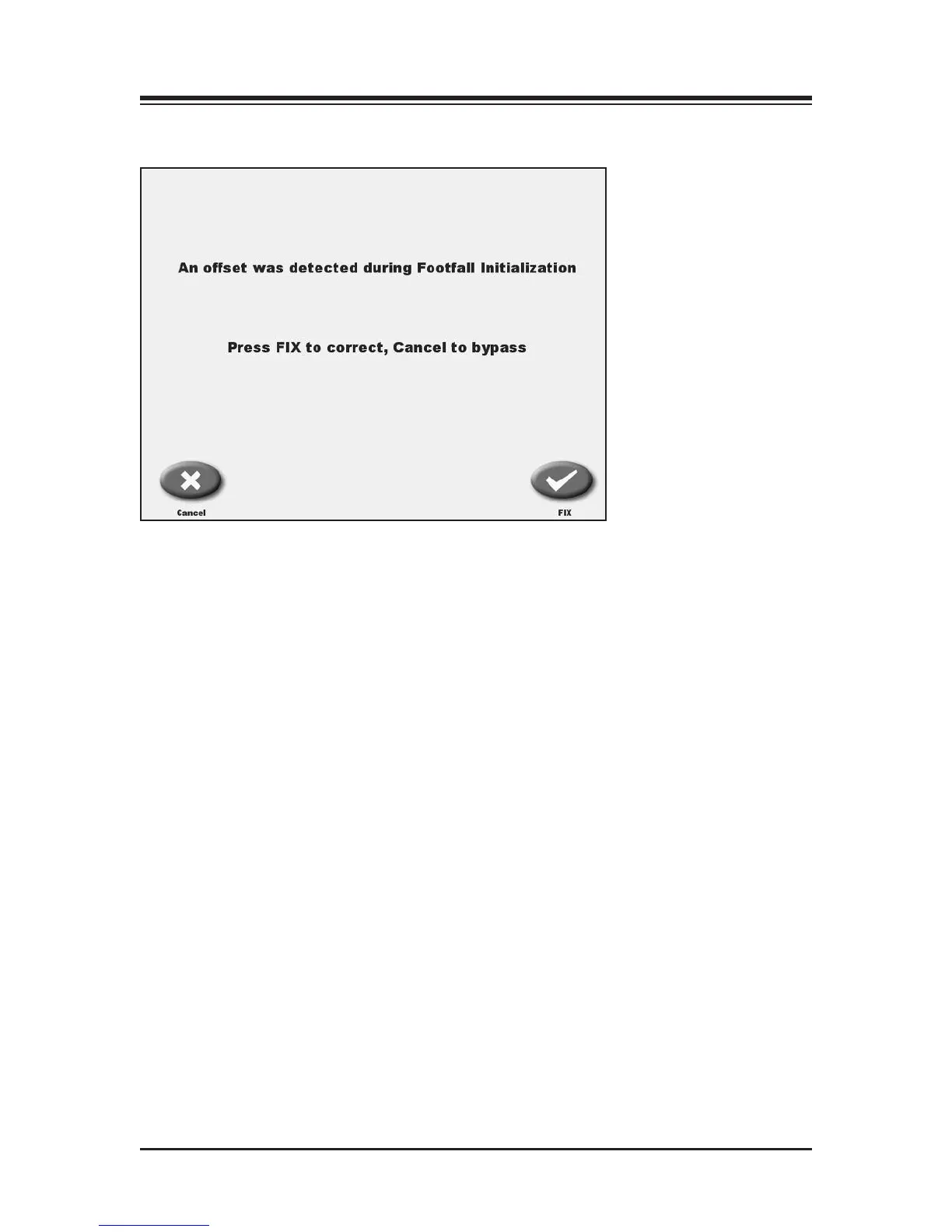
In the event the main powered is cycled on and off, the Gait Trainer will automatically check the
strain gages. If they are out of range, the Gait Trainer will prompt the user with appropriate cor-
rective actions. Again, the process is simple. Just follow the screens. Please do not stand on the
Gait Trainer when making any adjustments to the strain gages or during initialization.
CONTENTS
SET-UP — 3-4 —



 To Next Page