8. TREADMILL OPERATION
— 8-1 — TREADMILL OPERATION
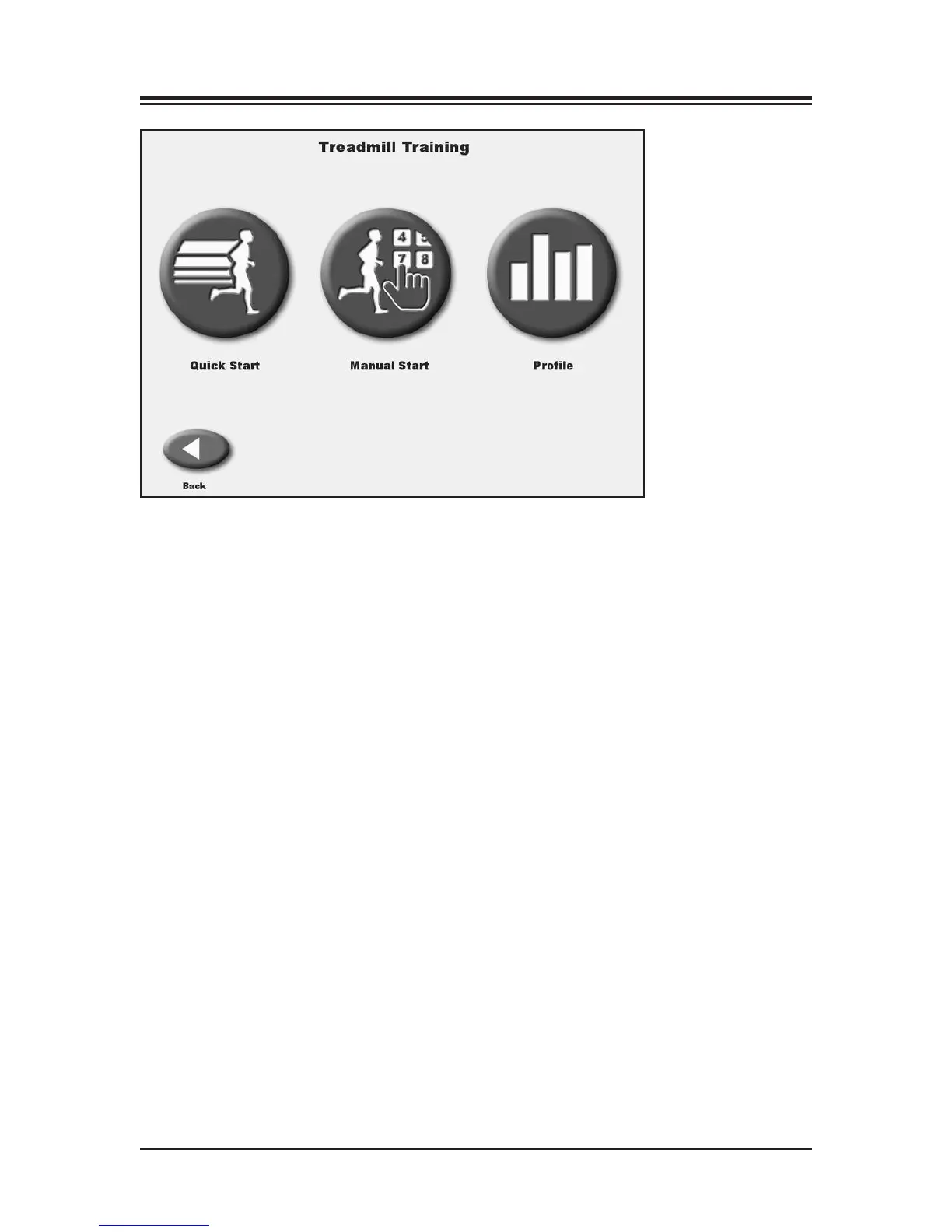
Figure 8.1. The Quick Start feature allows the user to begin the exercise session with minimal input.
#'%&$&!"$&!
(See Figure 8.1.)
Although the Gait Trainer offers advanced programming capability, it also features a "Quick Start"
function that allows the user to immediately begin exercise on the system with 1/4-mile scaled
track views.
Quick-Start operation is simple. With the system turned ON, position the user on the treadbelt and
proceed as follows:
1. Press the On/Standby button on the display. The Opening Menu should now be displayed.
2. Touch <Treadmill> on the Opening Menu. The Treadmill Opening Menu should now be
displayed.
3. Press <Start> on the display to activate the treadbelt. The treadbelt will ramp up to .01 mph.
4. Touch the <▲> and <▼> arrows on the screen to adjust <Speed> and <Elevation> as desired.
5. Touch the display icons at the bottom left of the screen to toggle between the Quick Start
Exercise Track display and a Numeric display.
6. Touch <Pause> to pause the exercise session at any time. Touch <Resume> to resume the
exercise session.
7. Touch <End> to end the exercise session at any time.
8. Touch <Reset> to return to the Opening screen.



 To Next Page