27
Handling RIGHTEST Blood Glucose Test Strip
How to handle RIGHTEST Blood Glucose Test Strip.
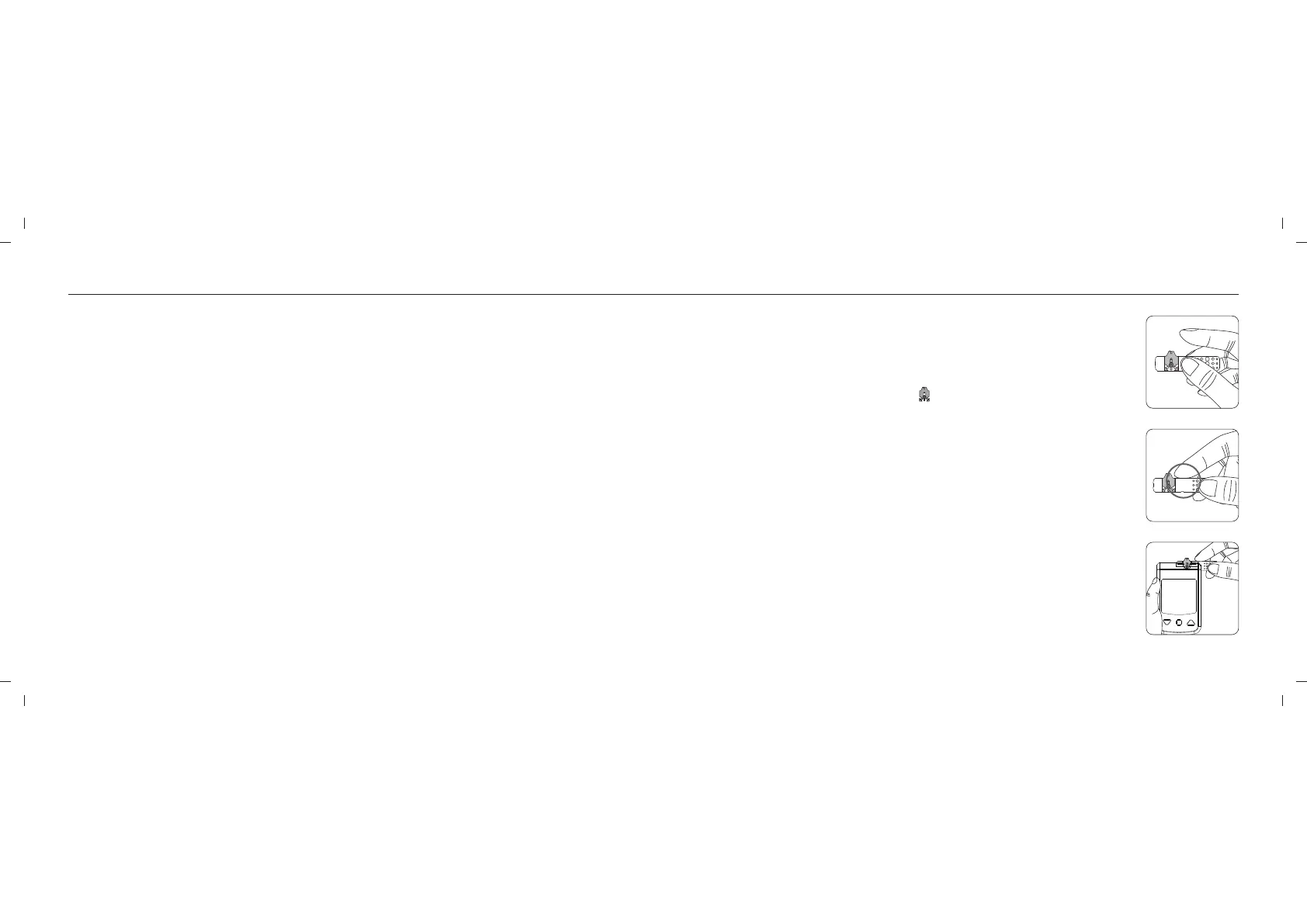
Inserting RIGHTEST Blood Glucose Test Strip:
1. Hold RIGHTEST Max Blood Glucose Test Strip between your thumb and
middle finger with the view window " " facing up.
2. Put your forefinger on the side of the strip as the picture shown.
3. Insert RIGHTEST Blood Glucose Test Strip into test strip port until it clicks
and firmly stops.
Turning On / Off the Meter
1. How to turn on RIGHTEST Blood Glucose Meter
Press the Main button or Insert a test strip.
2. Manual Power off
To power off RIGHTEST Blood Glucose Meter, press and hold the Main button for 3 seconds.
3. Auto Power off
RIGHTEST Blood Glucose Meter will power off automatically after 30 seconds if no buttons are
pressed or no strip is inserted.
26
1
2
3














 To Next Page