Project Type
Instructions
Date: March 27 2020
Customer: Thermor Ltd
Job Number: TH1011
Item Number: 3AL1-3E
Designer: Alex Vranjesevic
Revision: B
Artwork is not to be amended or scaled. If any changes
are required please send through Thermor oce with
instructions, and we will amend here and resend artwork
through. PLEASE RETURN WITH SIGNATURE
Contact: Graphic’s Department
graphics@thermor-ins.com
Colour Breakdown
Reason For Project:
New Item:
New Branding: X
Design Update:
N/A:
UPC (For Reference Only)
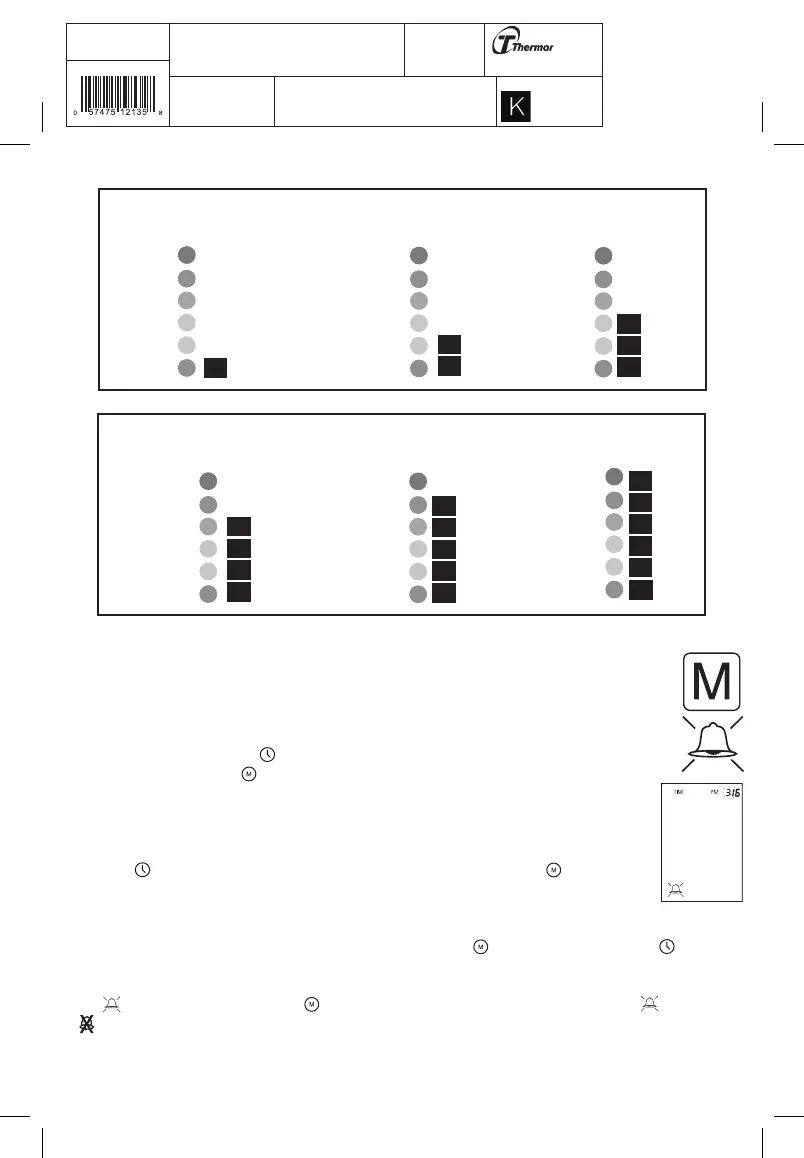
Red
Red
Orange
Yellow
Yellow
Green
Red
Red
Orange
Yellow
Yellow
Green
Red
Red
Orange
Yellow
Yellow
Green
Indication of a
“Optimum” Blood
Pressure
Indication of a
“Normal” Blood
Pressure
Indication of “Pre-
Hypertension” Blood
Pressure
Red
Red
Orange
Yellow
Yellow
Green
Red
Red
Orange
Yellow
Yellow
Green
Red
Red
Orange
Yellow
Yellow
Green
Indication of a “Stage
1 Hypertension”
Blood Pressure
Indication of a “Stage
2 Hypertension” Blood
Pressure
Indication of a “Stage
3 Hypertension” Blood
Pressure
3.8 Medication Reminder
This instrument allows you to set two alarm times at which an alarm signal will then be triggered. This
can be a useful aid, for instance as a reminder to take medication or to remind you to take your blood
pressure at the same time each day.
1. To set an alarm time, press the button (the instrument must be switched off beforehand) and
immediately afterwards the button and hold both down until the bell symbol appears in the bottom
left of the display. Then release both buttons. The flashing “1” in the display indicates that the
first alarm time can now be set.
2. Press the button to set the hours – the hours display flashes and pressing the button
allows you to set the alarm hour. To confirm, press the time button.
3. The minute display will now flash. The minutes can be set using the button. To confirm, press the button
again.
4. The symbol will now flash. Use the button to select whether the alarm time is to be active or inactive
. To confirm, press the time button.














 To Next Page