4
Project Type
Instructions
Date: September 23 2020
Customer: Thermor Ltd
Job Number: TH0951
Item Number: 261BC
Designer: Alex Vranjesevic
PO: 24735-00
Revision: A
Artwork is not to be amended or scaled. If any changes
are required please send through Thermor oce with
instructions, and we will amend here and resend artwork
through. PLEASE RETURN WITH SIGNATURE
Contact: Graphic’s Department
graphics@thermor-ins.com
Colour Breakdown
Reason For Project:
New Item: X
New Branding:
Design Update:
N/A:
UPC (For Reference Only)
5. Signals from other household devices, such as doorbells and home security
systems, may temporarily interfere with the units and cause reception failure.
The transmission and reception of temperature reading will resume once the
interference has stopped.
The maximum transmission range is 30 meters (100 feet) from the remote sensor to
the monitor (in open space). However, this depends on the surrounding environment
and interference levels. The temperature signal travels in a straight line from the
remote sensor to the monitor. The signal will not curve around an object. If no
reception is possible, despite the observation of these factors, all units will have to
be reset.
Note: To reset unit please see 1.0 Setup Procedure.
3.0 Maximum and Minimum Temperature
3.0 Maximum and Minimum Temperature
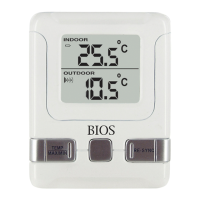
1. Press the
MAX/MIN button once to display the indoor and press again for the
outdoor max/min temperature recorded.
2. To clear the memory, press the
CLEAR button when the max
/
min temperature is
displayed. It will clear the record of the shown temperature eld.
4.0 ºC/ºF Switchable
The default measurement for temperature is °F, press the
ºC/ºF button to toggle
between °C and °F.
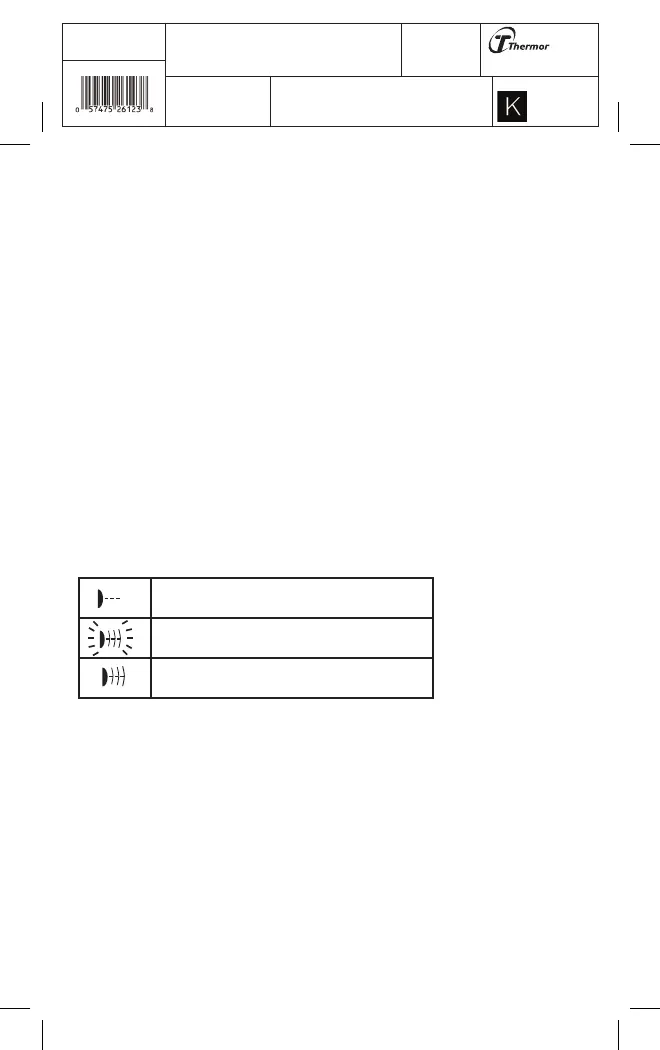
5.0 Signal Detection
The signal indicator on the monitor will display the following in the outdoor
temperature window:
6.0 Care of Your Thermometer
6.0 Care of Your Thermometer
• Avoid exposing the thermometer to extreme temperatures, water or severe shock.
• Avoid contact with any corrosive materials such as alcohol, cleaning agents or
perfume.
•
Do not subject the thermometer to excessive force, shock, dust, temperature or
humidity. Any of these conditions may shorten the life of the thermometer.
•
Do not tamper with any of the internal components of this thermometer.
This will void the warranty and may cause damage.
No Signal Detected
Signal Detected
Successful Reception


 To Next Page
 Loading...