button can be pressed at any time. The device then immediately lowers
the cuff pressure automatically.
3.6 Irregular Heartbeat Detection
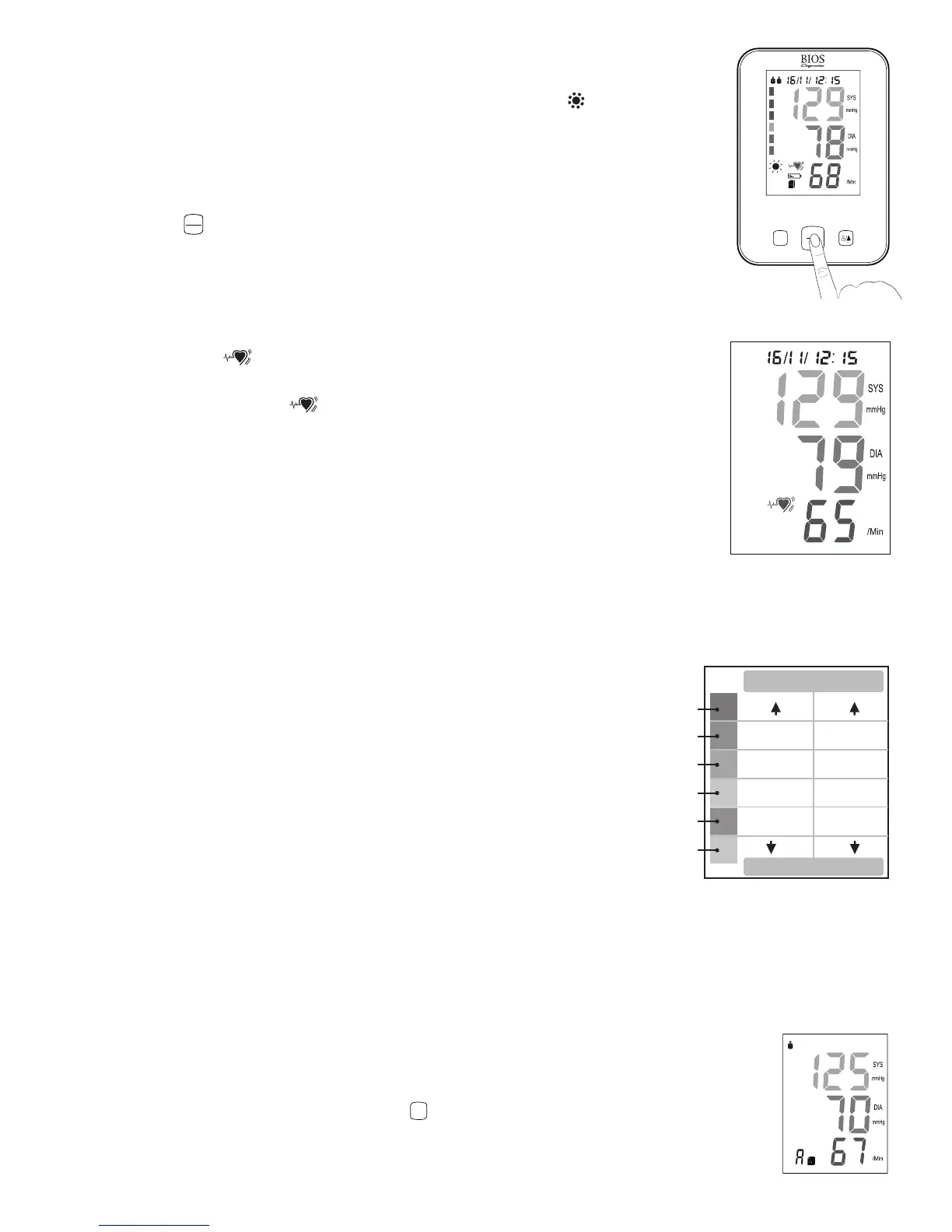
When the device detects an irregular heartbeat, or any excessive body movement during
the measurement, the
symbol will appear and flash when the blood pressure
measurement is displayed. It is important that you be relaxed, remain still and do not talk
during the measurement. If the symbol appears frequently (e.g. several times a week), it
may be an indication of a more serious heart problem, and you should consult your doctor.
3.7 Blood Pressure Assessment Indicator
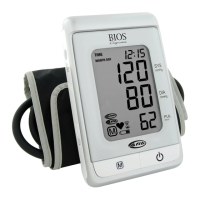
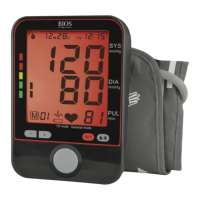
The bars on the left hand side of the display show you the range within which the indicated
blood pressure values lies. Depending on the height of the bar, the readout value is either
within the normal (green), borderline (yellow/orange) or danger (red) range.
The classification is based on standards adopted from WHO (World Health Organization); which is recognized by
Hypertension Canada.
The indicator bar rises according to your measurement.
• Ifyourmeasurementhasonlyoneortwobars,yourmeasurementisin
the green zone, or “Normal” according to the WHO classification.
• Ifyourmeasurementhasthreebars,itisintheyellowzone,orhigh
normal according to the WHO classification.
• Ifyourmeasurementhasfourbars,itisintheorange“Stage1
Hypertension” zone.
• Ifyourmeasurementhasvebars,itisinthered“Stage2Hypertension”zone.
• Ifyourmeasurementhassixbars,itisinthered“Stage3Hypertension”zone.
3.8 Viewing Previously Recorded Values
The blood pressure monitor automatically stores your measurements. It can store up to 90 measurements per user
and it will automatically calculate the average value of the last 3 readings and the average value of the morning
readings for both users.
When the memory is full (90 sets of readings are stored), the oldest reading will be
replaced by a new one. Memory will not clear away even if power supply is removed.
1. To view the previously stored values, press the


 To Next Page