Preferences
Read Default
Select a preferred mode of measurement when the Defender is
initially turned on.
Default Settings
Select<No>toallowthe‘ReadDefault’change.Selecting<Yes>
will reset your Defender to the factory default settings. (Factory
default settings are provided elsewhere in this manual.)
Data Port
Set the data port interface by selecting:
<BIOS> to operate with Bios Optimizer software.
<SKC> to operate with SKC CalCheck
®
Interface.
Magnification
In the Defender 520 model, this controls the amount of data on
the display. Select <Zoom> to view only flow measurements in
larger font, or select <Detail> to simultaneously view flow mea-
surements, temperature, and pressure in a smaller font.
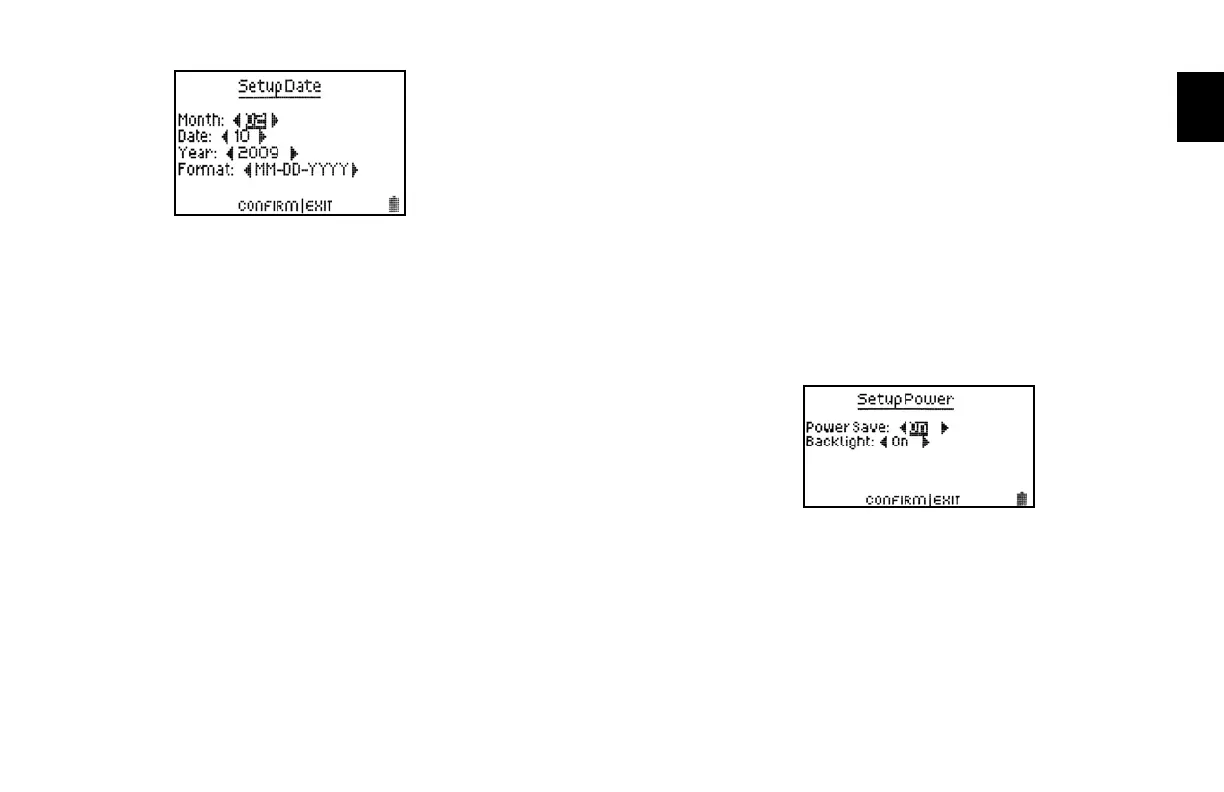
Power
Power Save
By selecting <On>, your Defender will save power by turning off
afterveminutesofinactivity.However,itwillnotturnoffwhen
connected to the AC power adapter/charger.
Select <Off>, and your Defender will remain on until you
manually turn it off.
Backlight
Select <On>toilluminatetheLCDdisplayor
<Off > to conserve battery power.
2.0



 To Next Page