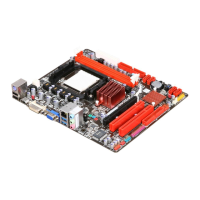
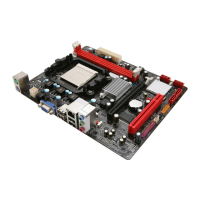
A58MD/A58MG/A58ML
7
2.3 Connect Cooling Fans
These fan headers support cooling-fans built in the computer. The fan cable and
connector may be different according to the fan manufacturer. Connect the fan
cable to the connector while matching the black wire to pin#1.
CPU_FAN1: CPU Fan Header
Pin Assignment
1 Ground
2 +12V
3 FAN RPM rate sense
4 Smart Fan Control(By Fan)
SYS_FAN1: System Fan Header
Pin Assignment
1 Ground
2 +12V
3
FAN RPM rate sense
Note: CPU_FAN1, SYS_FAN1 support 4-pin and 3-pin head connectors. When connecting
with wires onto connectors, please note that the red wire is the positive and should be
connected to pin#2, and the black wire is Ground and should be connected to GND.



 To Next Page