Chapter 2: Hardware installaon | 7
A68MHE
Chapter 2: Hardware installaon
2.1 Install Central Processing Unit (CPU)
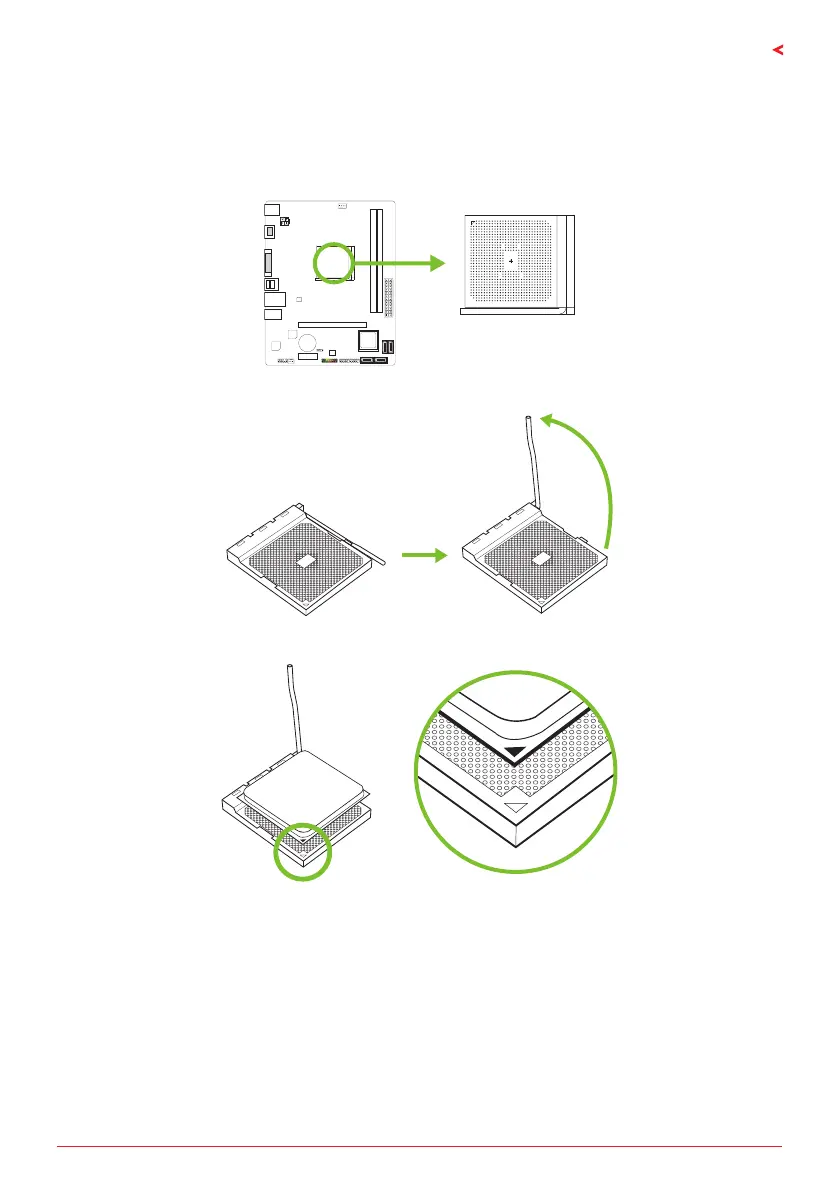
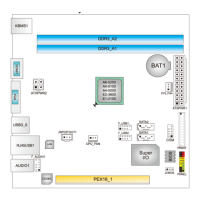
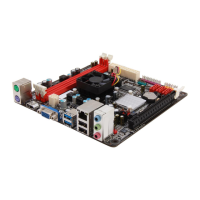
Step 1: Locate the CPU socket on the motherboard
Step 2: Pull the socket locking out from the socket and then raise the lever up to a 90-degree
angel.
Step 3: Look for the white triangle on socket, and the gold triangle on CPU should point
towards this white triangle. The CPU will t only in the correct orientaon.




 To Next Page