EasyManua.ls Logo

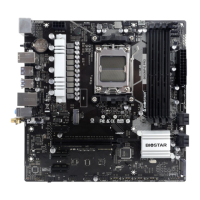
Biostar B650MP-E PRO - Chapter 2: Hardware Installation; Install Central Processing Unit (CPU)

Biostar B650MP-E PRO
164 pages
Print Icon
To Next Page IconTo Next Page
To Previous Page IconTo Previous Page
Loading...
8 | Chapter 2: Hardware installaon
Chapter 2: Hardware installaon
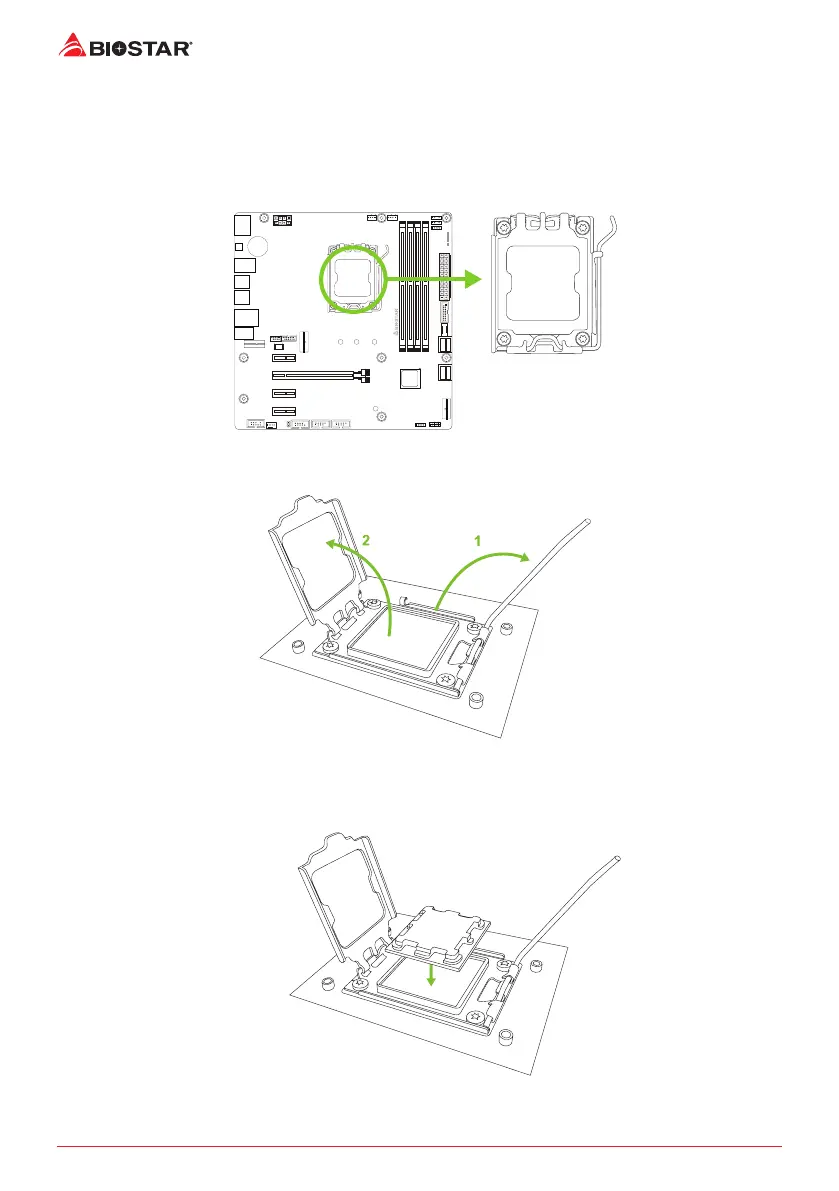
2.1 Install Central Processing Unit (CPU)
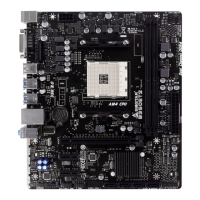
Step 1: Locate the CPU socket on the motherboard
Step 2: Open Lever and then load plate using nger tab.
Step 3: Align and seat processor package on socket.

Table of Contents

Related product manuals