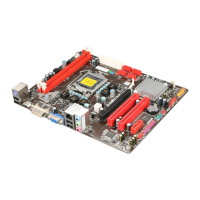
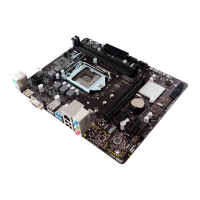
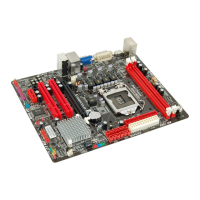
Need help?
Do you have a question about the Biostar H110MH PRO D4 and is the answer not in the manual?
Guide to updating BIOS using the BIOS-FLASHER tool.
Steps for automated BIOS updates via Windows.
Detailed steps for updating BIOS using the BIOS-FLASHER utility.
Manages ACPI auto configuration, hibernation, and sleep states.
Displays detailed CPU configuration and manages Hyper-Threading.
Sets administrator and user passwords for system security.
Manages Secure Boot mode, keys, and factory defaults.
Selects memory profiles and adjusts detailed memory timings.
Sets DRAM voltage and manages CPU power states.
 General
| Brand | Biostar |
|---|---|
| Model | H110MH PRO D4 |
| Category | Motherboard |
| Language | English |


 To Next Page