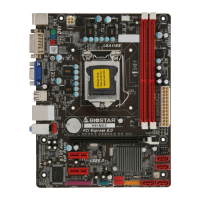
H61MHV/H61MGV/H61MLC2/H61MLV2 UEFI BIOS Manual
11
Device reset time-out
The item sets USB mass storage device Start Unit command time-out.
Options: 20 sec (Default) / 10 sec / 30 sec / 40 sec
Device power-up delay
“Auto” uses default value: for a Root port it is 100ms, for a Hub port the delay
is taken from Hub descriptor.
Options: Auto (Default) / Manual
Device power-up delay in seconds
Delay range is 1 ~ 40 seconds, in one second increments.
Options: 5 (Default)
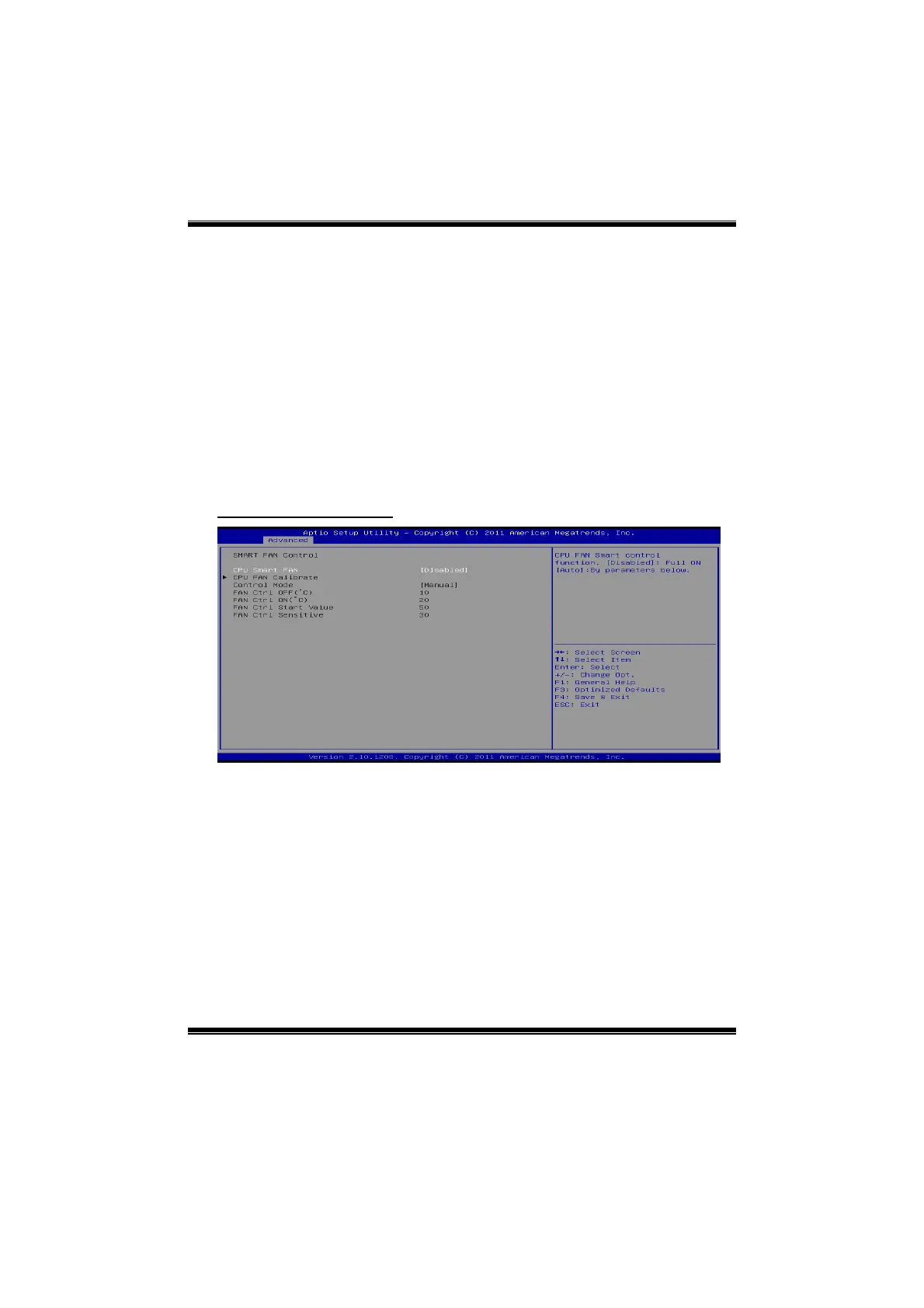
SMART FAN Control
CPU Smart FAN
This item allows you to control the CPU Smart Fan function.
Options: Disabled (Default) / Auto
CPU FAN Calibrate
Press [ENTER] to calibrate CPU FAN.
Control Mode
This item provides several operation modes of the fan.
Options: Quiet / Aggressive / Manual



 To Next Page