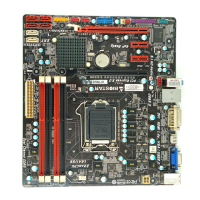
Hi-Fi A85S3 / Hi-Fi A75S3 / Hi-Fi A55S3 UEFI BIOS Manual
23
CSM parameters
Launch CSM
This option controls if CSM will be launched
Options: Always (Default) / Never
Boot option filter
This option controls what devices system can boot to.
Options: UEFI and Legacy (Default) / Legacy only / UEFI only
Launch PXE OpROM policy
This option controls the execution of UEFI and Legacy PXE OpROM
Options: Legacy only (Default) / UEFI only / Do not launch
Launch Storage OpROM policy
This option controls the execution of UEFI and Legacy Storage OpROM
Options: Legacy only (Default) / UEFI only / Do not launch
Launch Video OpROM policy
This option controls the execution of UEFI and Legacy Video OpROM
Options: Legacy only (Default) / UEFI only / Do not launch
Other PCI device ROM priority
For PCI devices other than Network, Mass storage or video defines which
OpROM to launch.
Options: Legacy OpROM (Default) / UEFI OpROM



 To Next Page
 Loading...