Motherboard Manual
22
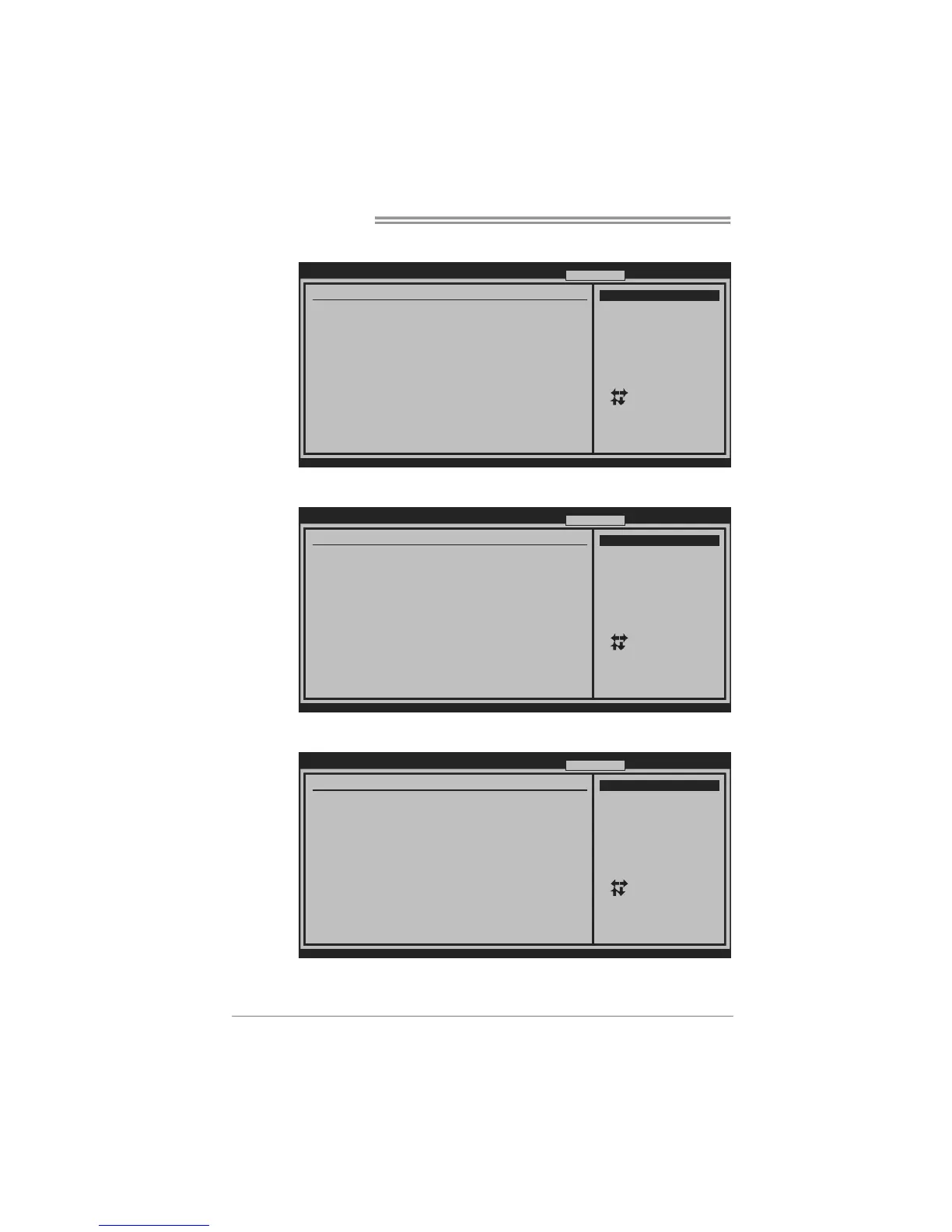
V6 Tech Engine
This engine will make a good over-clock performance.
BIOS SETUP UTILITY
Main Advanced
PCIPnP Boot
Chipset O.N.E
vxx.xx (C)Copyright 1985-200x, A merican M egatrends, Inc.
Select Screen
Select Item
Go to Sub Screen
General Help
Save and Exit
Exit
Enter
F1
F10
ESC
Over-Clocking Navigator Setting
=========== Automate OverClock System = ==========
============ Manual Ove rClock System ============
Notice:Please Clear CMOS if sy stem no d isplay
after overclocking.
Over-Clocking Navigator [Automat e OverClock]
Auto OverClock System [V6-Tech Engine]
Current CPU Frequency :
Current Memory Frequency :
Current UNCORE Frequency :
Current QPI Frequency :
Over Clock Retry Count [1]
Intel(R) SpeedStep(tm) tech [Enabled ]
CPU Ratio Setting [ x24.0]
CPU Frequency Setting [133]
QPI Frequency [Auto]
DRAM Frequency [Auto]
> DRAM Timing Configuratio n
> Clock Gen Configuration
> Voltage Control
Exit
Options
V6-Tech Engine
V8-Tech Engine
V12-Tech Engine
V8 Tech Engine
This engine will make a better over-clock performance.
BIOS SETUP UTILITY
Main Advanced
PCIPnP Boot
Chipset O.N.E
vxx.xx (C)Copyright 1985-200x, A merican M egatrends, Inc.
Select Screen
Select Item
Go to Sub Screen
General Help
Save and Exit
Exit
Enter
F1
F10
ESC
Over-Clocking Navigator Setting
=========== Automate OverClock System = ==========
============ Manual Ove rClock System ============
Notice:Please Clear CMOS if sy stem no d isplay
after overclocking.
Over-Clocking Navigator [Automat e OverClock]
Auto OverClock System [V8-Tech Engine]
Current CPU Frequency :
Current Memory Frequency :
Current UNCORE Frequency :
Current QPI Frequency :
Over Clock Retry Count [1]
Intel(R) SpeedStep(tm) tech [Enabled ]
CPU Ratio Setting [ x24.0]
CPU Frequency Setting [133]
QPI Frequency [Auto]
DRAM Frequency [Auto]
> DRAM Timing Configuratio n
> Clock Gen Configuration
> Voltage Control
Exit
Options
V6-Tech Engine
V8-Tech Engine
V12-Tech Engine
V12 Tech Engine
This engine will make a best over-clock performance.
BIOS SETUP UTILITY
Main Advanced PCIPnP B oot Chipset O .N.E
vxx.xx (C)Copyright 1985-200x, A merican M egatrends, Inc.
Select Screen
Select Item
Go to Sub Screen
General Help
Save and Exit
Exit
Enter
F1
F10
ESC
Over-Clocking Navigator Setting
=========== Automate OverClock System = ========= =
============ Manual Ove rClock System ============
Notice:Please Clear CMOS if sy stem no d isplay
after overclocking.
Over-Clocking Navigator [Automat e OverClo ck]
Auto OverClock System [V12-Tec h Engine]
Current CPU Frequency :
Current Memory Frequency :
Current UNCORE Frequency :
Current QPI Frequency :
Over Clock Retry Count [1]
Intel(R) SpeedStep(tm) tech [Enabled ]
CPU Ratio Setting [ x24.0]
CPU Frequency Setting [133]
QPI Frequency [Auto]
DRAM Frequency [Auto]
> DRAM Timing Configuratio n
> Clock Gen Configuration
> Voltage Control
Exit
Options
V6-Tech Engine
V8-Tech Engine
V12-Tech Engine


 To Next Page