TZ77MXE/TZ75MXE UEFI BIOS Manual
2
Supported CPUs
This AMI UEF I BIOS s upports the Intel CPU.
Using Setup
When starting up the computer, press
<Del> during the Power-On Self-Test
(POST) to enter the UEFI BIOS setup
utility.
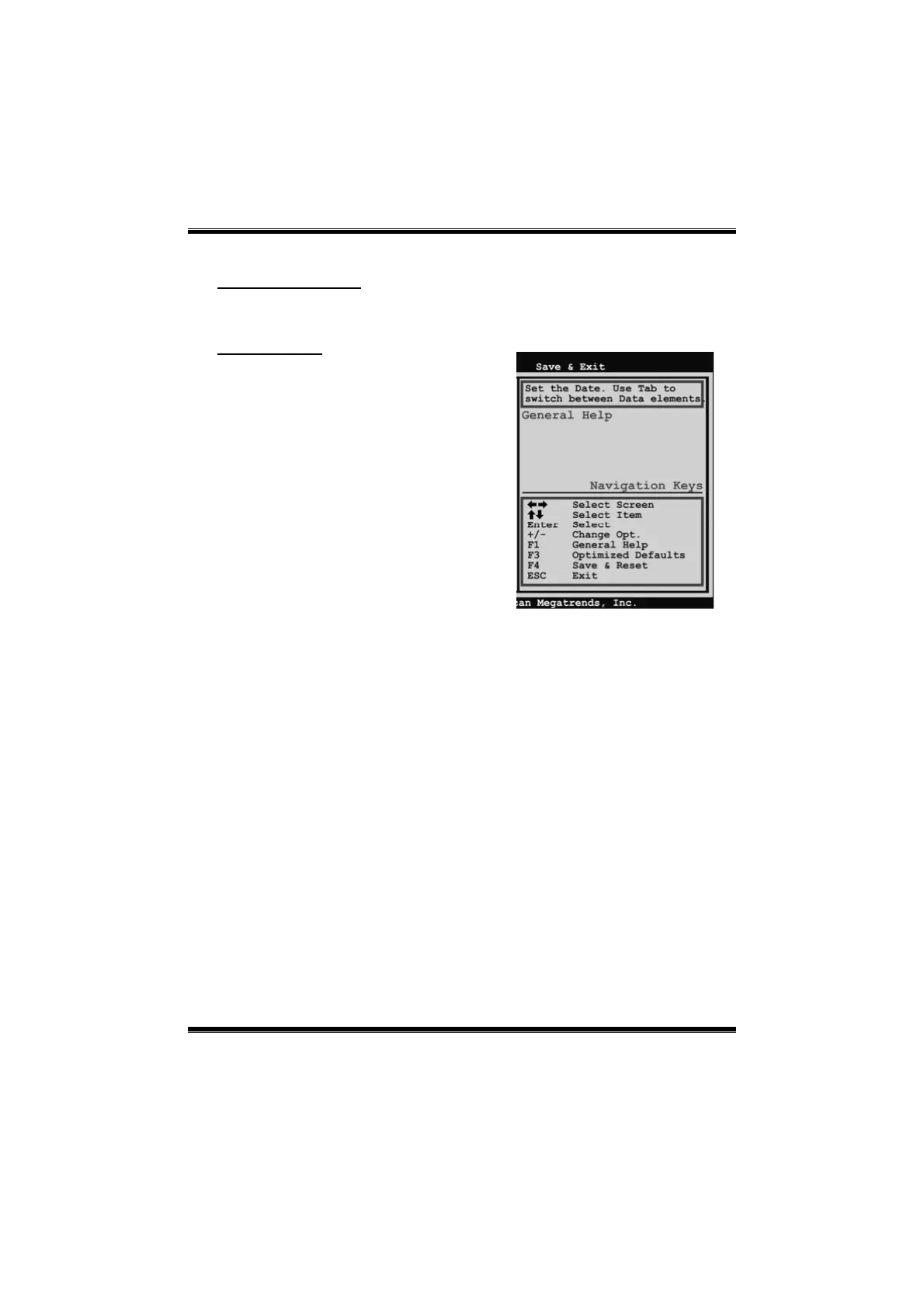
In the UEFI BIOS setup utility, you will
see General Help description at the top
right corner, and this is providing a brief
description of the selected item.
Navigation Keys for that particular menu
are at the bottom right corner, and you can
use thes e keys to select item and change
the settings.
Notice
z The default UEFI BIOS settings apply for most conditions to ensure optimum
performance of the motherboard. If the system becomes unstable after changing
any settings, please load the default settings to ensure system’s compatibility and
stability. Use Load Setup Default under the Exit Menu.
z For better system performance, the UEFI BIOS firmware is being continuously
updated. The UEFI BIOS informatio n d escrib ed in this manual is fo r yo ur reference
only. The actual UEFI BIOS information and settings on board may be slightly
different from this manual.
z The content of this manual is subject to be changed without notice. We will not be
responsible for any mistakes found in this user’s manual and any s ystem damage that
may be c aused by wrong-settings.



 To Next Page