TZ77MXE/TZ75MXE UEFI BIOS Manual
8
Wake up date
You can choose which date the system will boot up.
Wake up hour / Wake up minute / Wake up second
You can choos e the system boot up time, inp ut hour, minute and seco nd to specify.
USB Device Wakeup from S3/S4
This item allows you to enable o r d is abled the USB resume fro m S3/S4 function.
Options: Disabled (Default) / Enabled
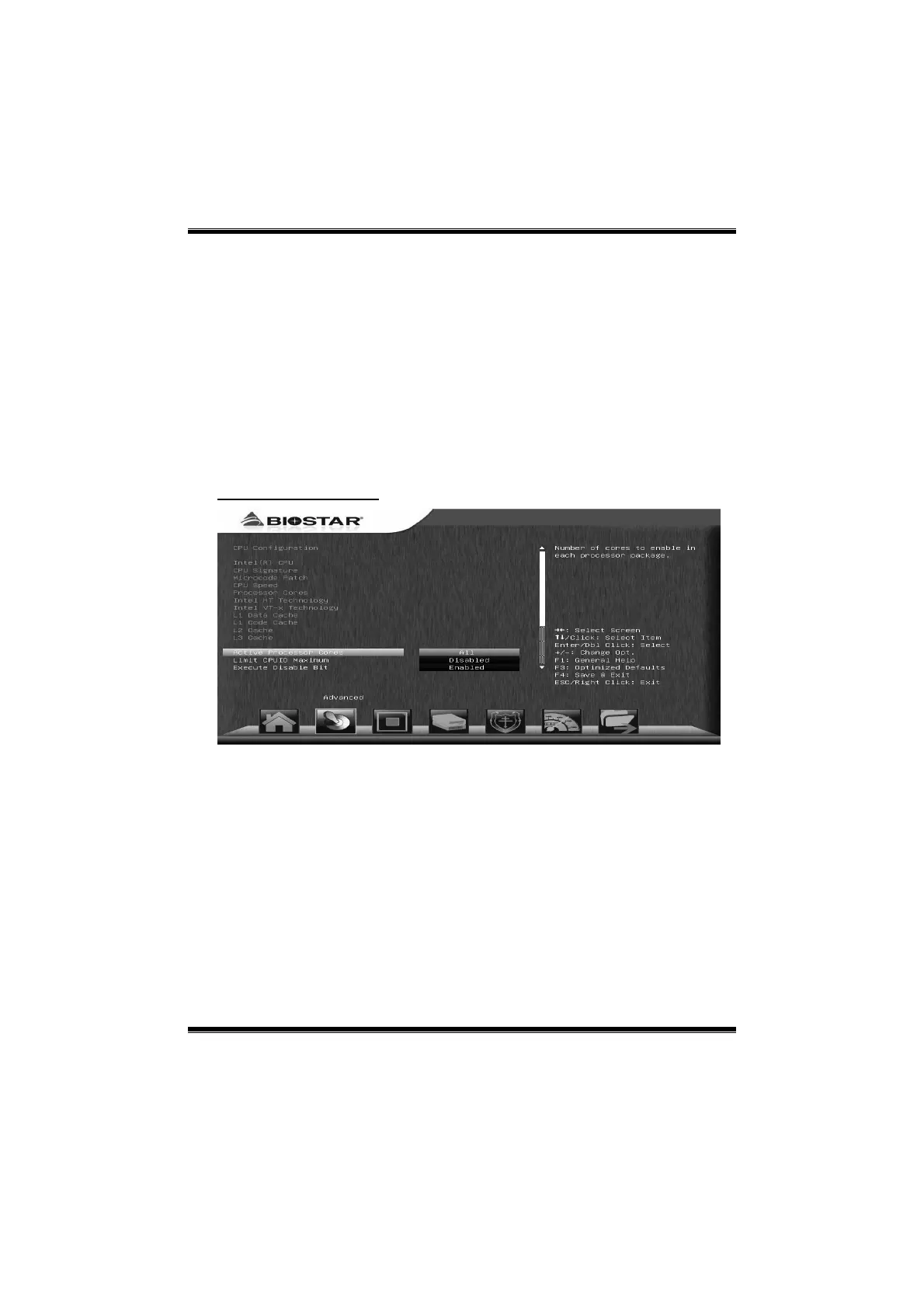
CPU Configuration
Active Processor Cores
This item sets number of cores to enable in each processor package.
Options: All (Default) / 1 / 2 / 3
Limit CP UID Maximum
When the computer is booted up, the operating system executes the CPUID
instruction to identify the processor and its capabilities. Before it c an do so, it must
first query the processor to find out the highest input value CPUID recognizes. This
determines the kind of basic information CPUID can provide the operating system.
Options: Disabled (Default) / Enabled



 To Next Page