12 | Chapter 2: Hardware installaon
2.5 Expansion Slots
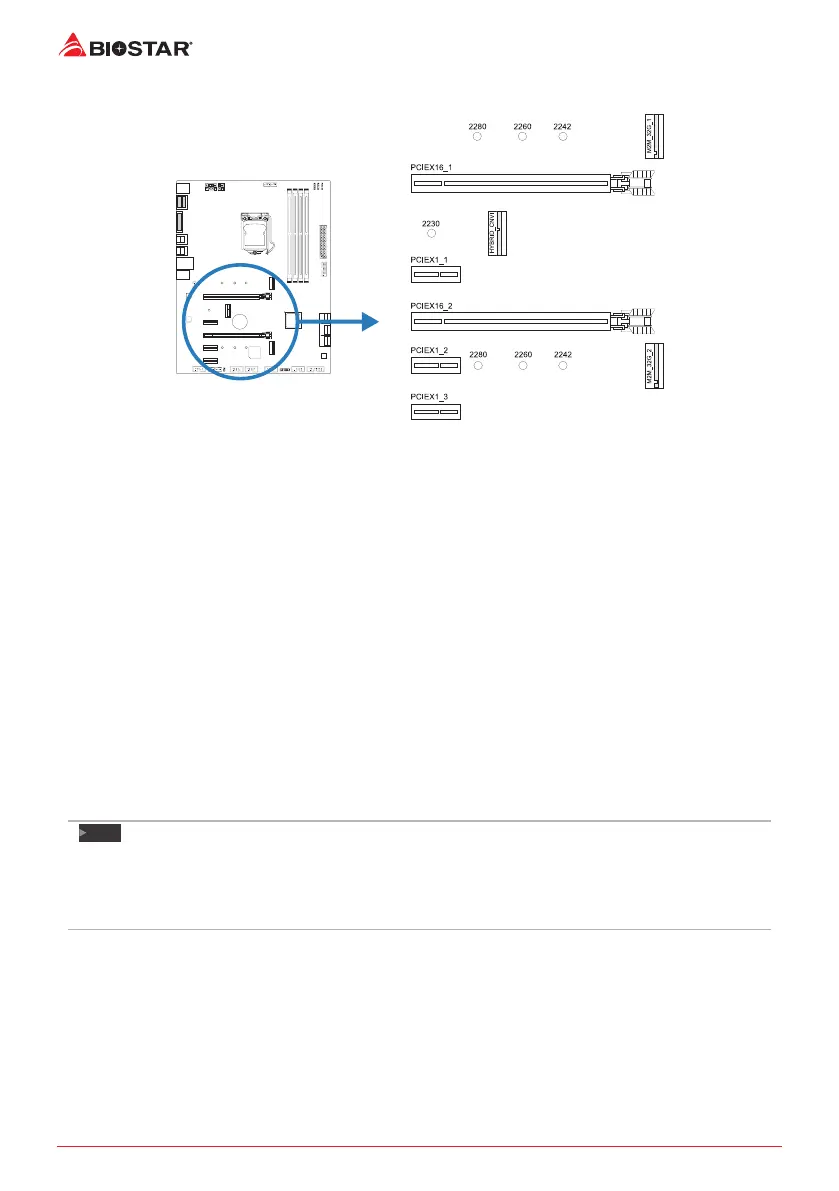
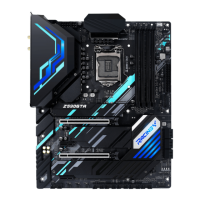
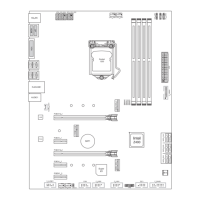
PCIEX16_1/ PCIEX16_2: PCI-Express Gen3 x16 Slots
• PCI-Express 3.0 compliant.
• Theorecal maximum bandwidth using two slots simultaneously is 16GB/s for each slot,
a total of 32GB/s.
PCIEX1_1/ PCIEX1_2/ PCIEX1_3: PCI-Express Gen3 x1 Slots
• PCI-Express 3.0 compliant.
• Data transfer bandwidth up to 1GB/s per direcon; 2GB/s in total.
M2M_32G_1/ M2M_32G_2: M.2 (M Key) Socket
• The M.2 slot supports M.2 Type 2242/2260/2280 SSD module. When installing M.2 SSD
module, please place the screw and hex pillar to correct posion.
• Supports M.2 SATA III (6Gb/s) module and M.2 PCI Express module up to
Gen3 x4 (32Gb/s) - NVMe/ AHCI SSD.
• Supports PCIe RAID 0, 1 & Intel® Rapid Storage Technology, Intel® Optane Technology.
HYBRID_CNVI: M.2 (E Key) Socket (M.2 (E key) Wi-Fi card is not provided)
• Support M.2 socket 2230 type module.
• Supports WiFi/ Bluetooth module and Intel® CNVi (Integrated WiFi/ BT).
Note
»
WhenusingSATASSDmoduleonM.2(M2M_32G_1)slot,theSATA(SATA_3U/SATA_3L)connector
willbedisabled.
»
WhenusingNVMe/AHCIPCIeSSDmoduleonM.2(M2M_32G_1)slot,allofSATAconnectorswillbe
enabled.



 To Next Page