Shenzhen Bigtree Technology Co.,Ltd
11
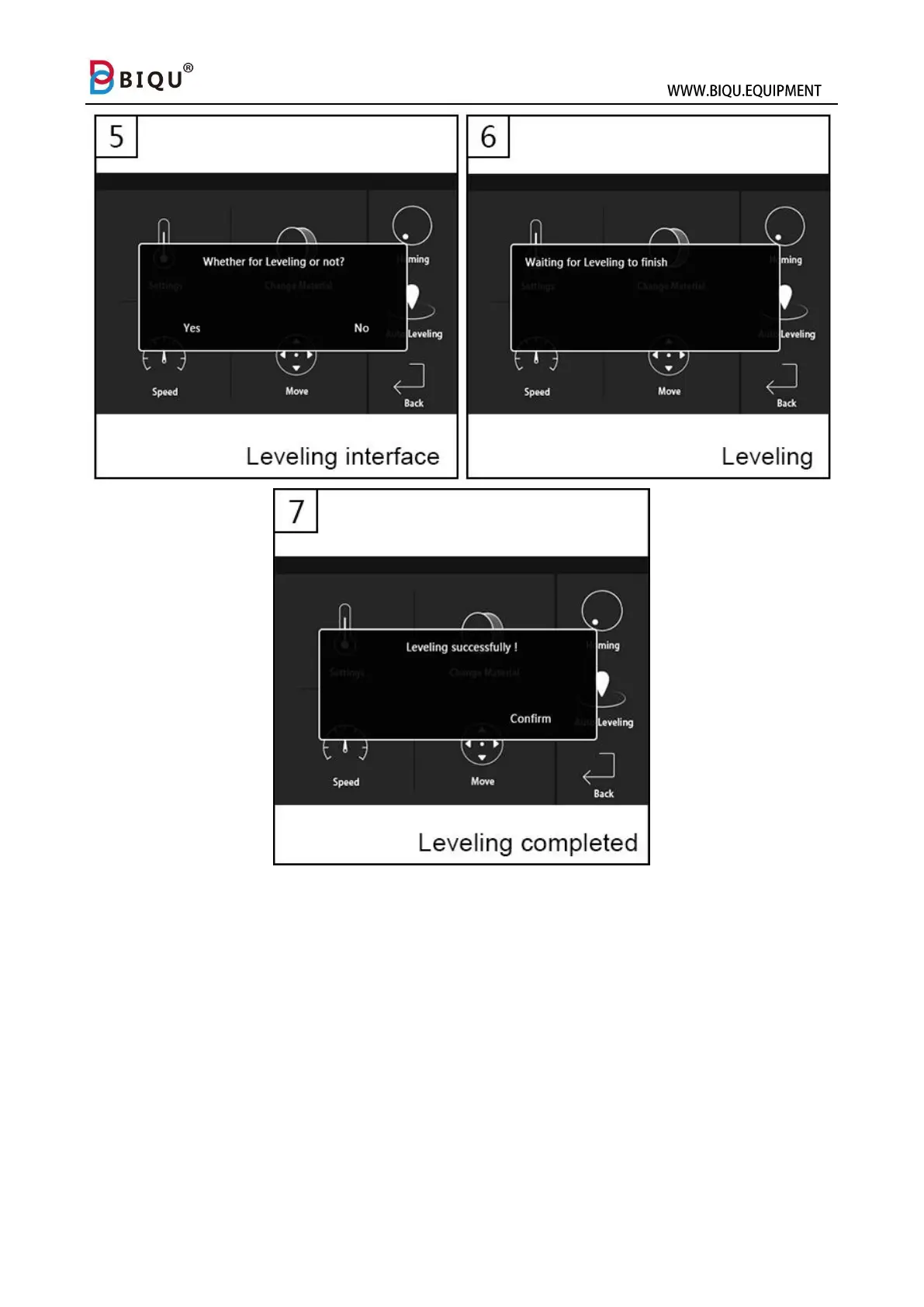
Note: If you are not satisfied with the result from auto calibration, you
can enter into “Baby step” interface (1) , and then adjust the nozzle
height by pressing “+” or “-” to adjust the nozzle height during print. If the
nozzle is too close to the print bed, press “+”, otherwise, press “-”. Long
press “+” or “-“ to speed up the process, and this technic is also
applicable to increase or decrease nozzle temperature.



 To Next Page