Shenzhen Bigtree Technology Co.,Ltd
17
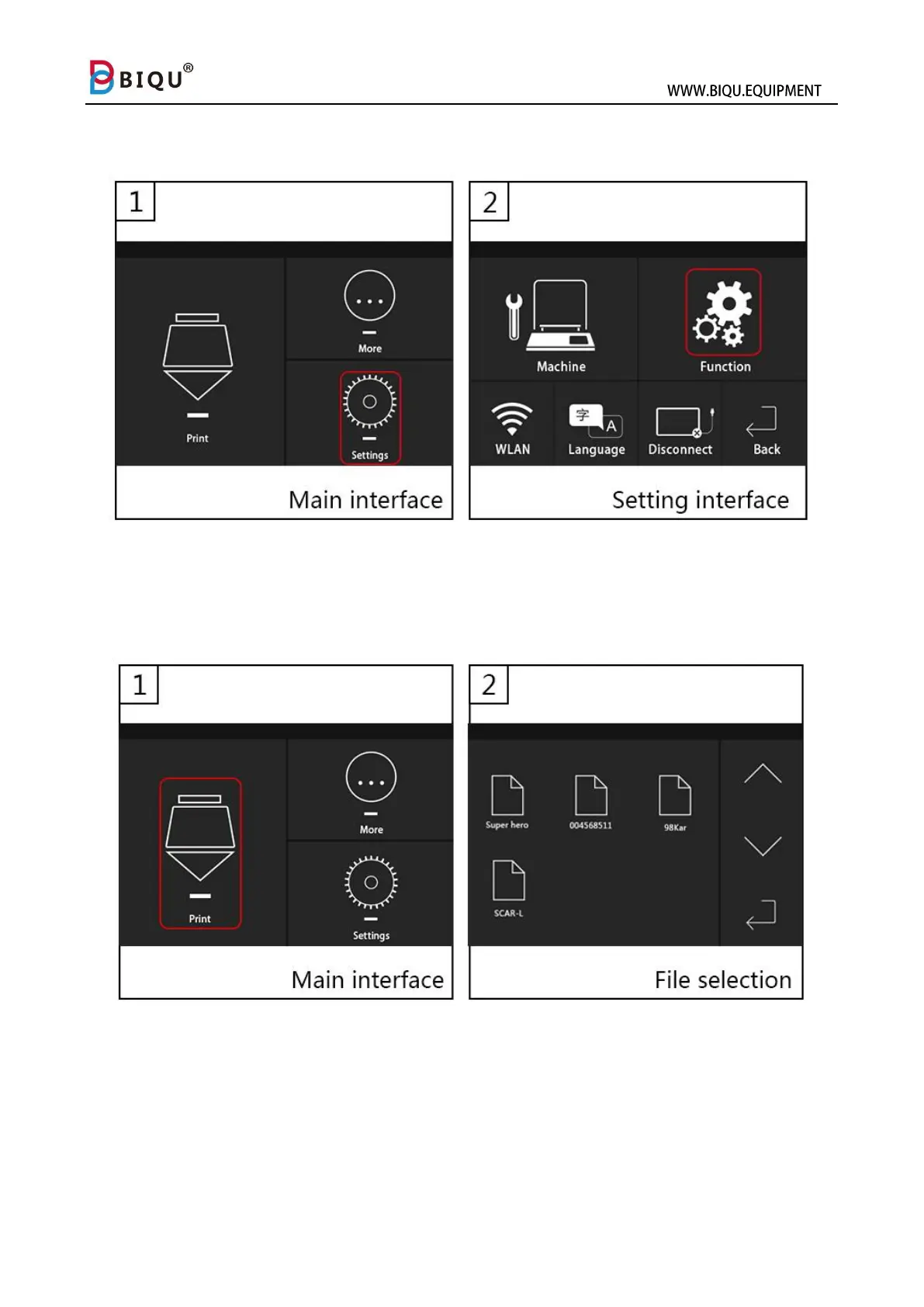
Navigate to Feature Interface
Method one: click “Settings” icon, then click “Function” icon
Method two: If the printer is printing, you can long press “more” on the
printing interface to enter feature interface.



 To Next Page