Determining video input
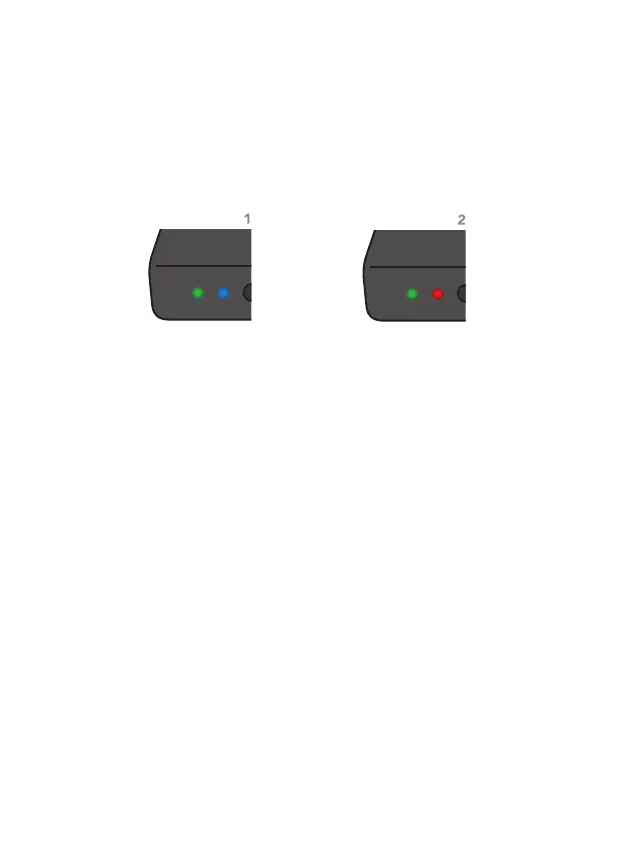
Valid video input
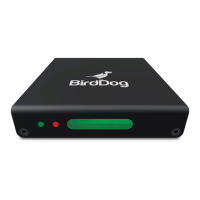
If BirdDog Mini detects a valid HDMI video input, the status LED
will change to blue.
1
This indicates that the source is detected and
the BirdDog is now streaming video over the NDI interface.
No Input
If the BirdDog Mini can not sync to a source or has no source
attached the status LED will display red.
2
This indicates that the
BirdDog Mini is operational, available on the network but not
detecting a valid source.
Please log into the BirdDog Mini web interface and change the
input settings to match your source device.


 To Next Page