9
Web Conguration Panel
The web conguration panel (BirdUI) allows you to alter key settings of PLAY specically A/V settings, and video
frame rates, restarting the video processing engine, changing networking parameters and applying rmware
updates.
Password Management
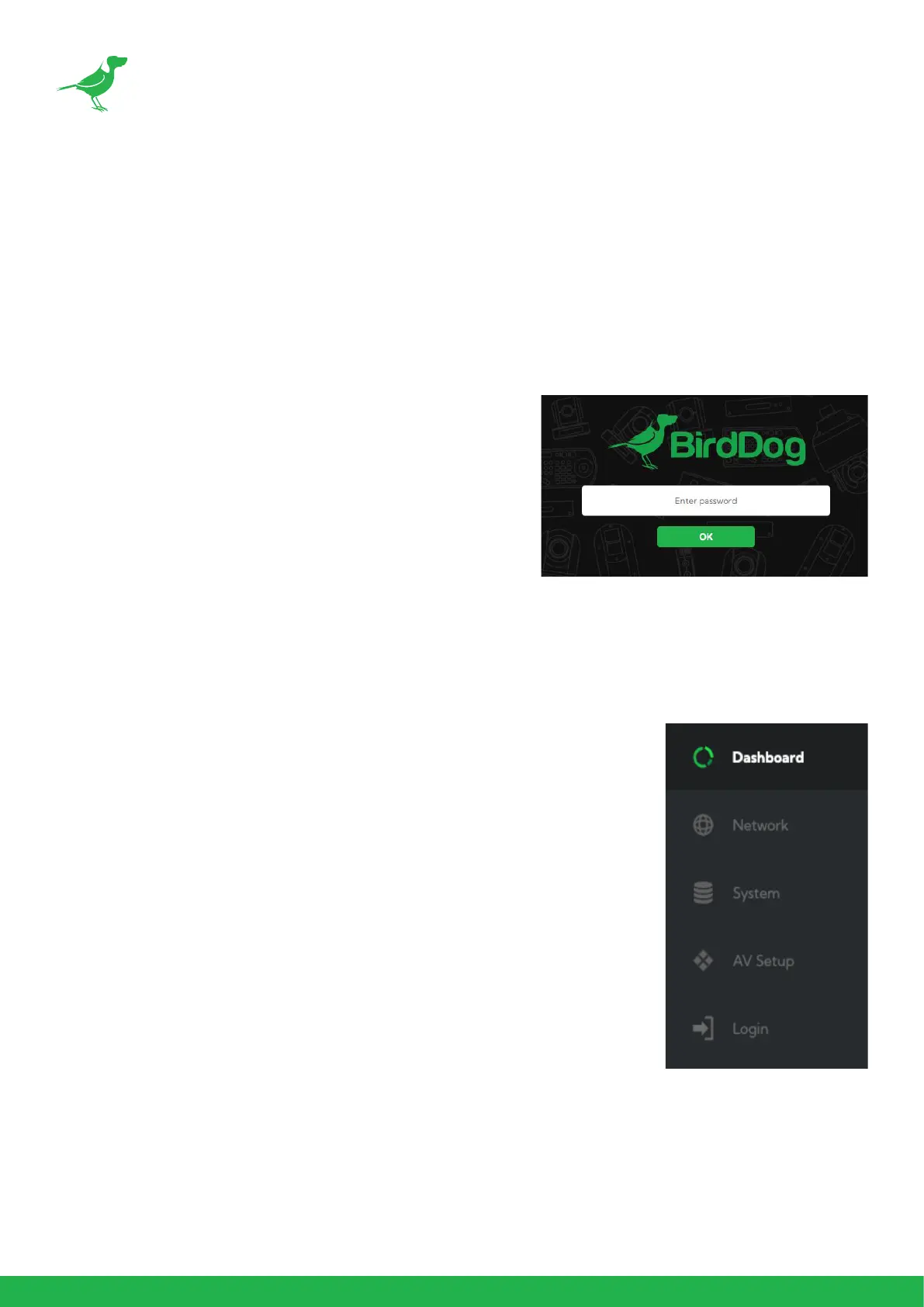
Once you direct your web browser to the BirdUI, you will need to log in to change any settings.
Default Password
The web conguration panel is secured by a user-selectable
password. The default password is:
birddog (one word, lower case).
To change the password simply log in using the default password,
navigate to the network tab in the web interface, and select
change password.
It is recommended to change this password in a network
environment where your device is shared with other users
(e.g. not private), since this password grants full access to the
conguration settings and could interrupt a live program.
BirdUI Layout
The BirdUI is organized into the following panels:
5. Dashboard
Overall view of important information such as the network connection type
and video stream format and resolution.
6. Network
General network settings such as DHCP IP Address details, timeout fallback
address and camera network name, as well as NDI® specic network settings
7. System
System admin functions such as updates, password change, designation of
group access and camera reboot.
8. AV Setup
Full NDI® encode management and audio settings.
9. Login/Logout
BirdUI login/logout.


 To Next Page