13
System
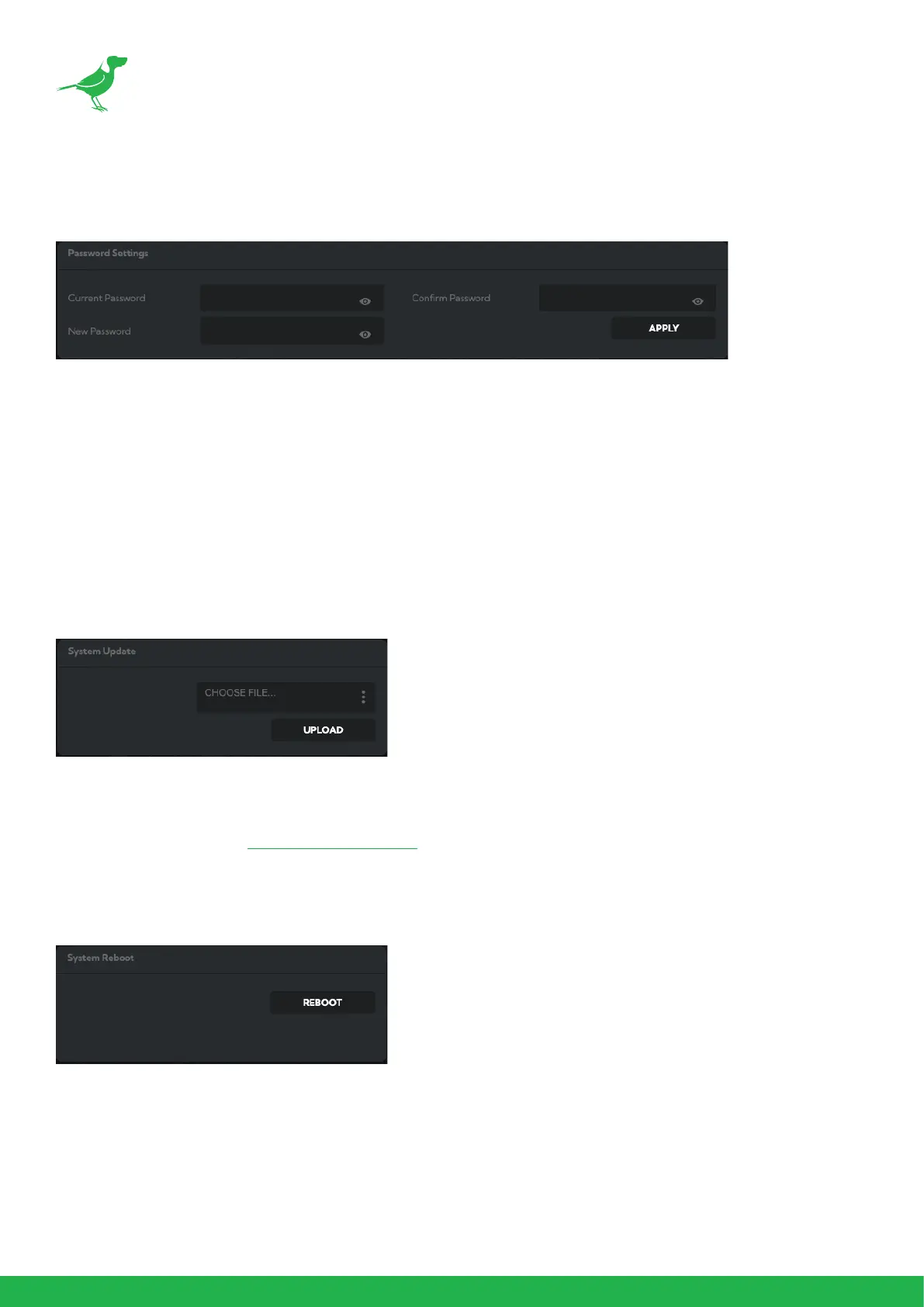
Password Settings
The BirdUI is secured by a user-selectable password. To make changes to any settings, you'll need to log in.
The default password is birddog (one word, lower case). It is recommended that the default password be changed,
since the BirdUI grants full access to the camera conguration settings.
You can change the password in the Password Settings tab.
1. Enter the current password.
2. Enter the new password. It is recommended that you change this password to prevent unauthorized changes
in a network environment where the device is shared with other users (e.g. not private). Conrm the new
password and click the APPLY button.
System Update
We are always adding new features and improving the performance of our products, so installing the latest rmware
will provide you with the best user experience.
To upgrade the rmware, download the rmware and follow the Firmware Upgrade Instructions located in the
download folder.
System Reboot
Click this button to reboot the unit after changing key network settings or the BirdDog name.


 To Next Page