EasyManua.ls Logo

Bissell 1305 SERIES - User Manual

Bissell 1305 SERIES
16 pages
Print Icon
To Next Page IconTo Next Page
Loading...
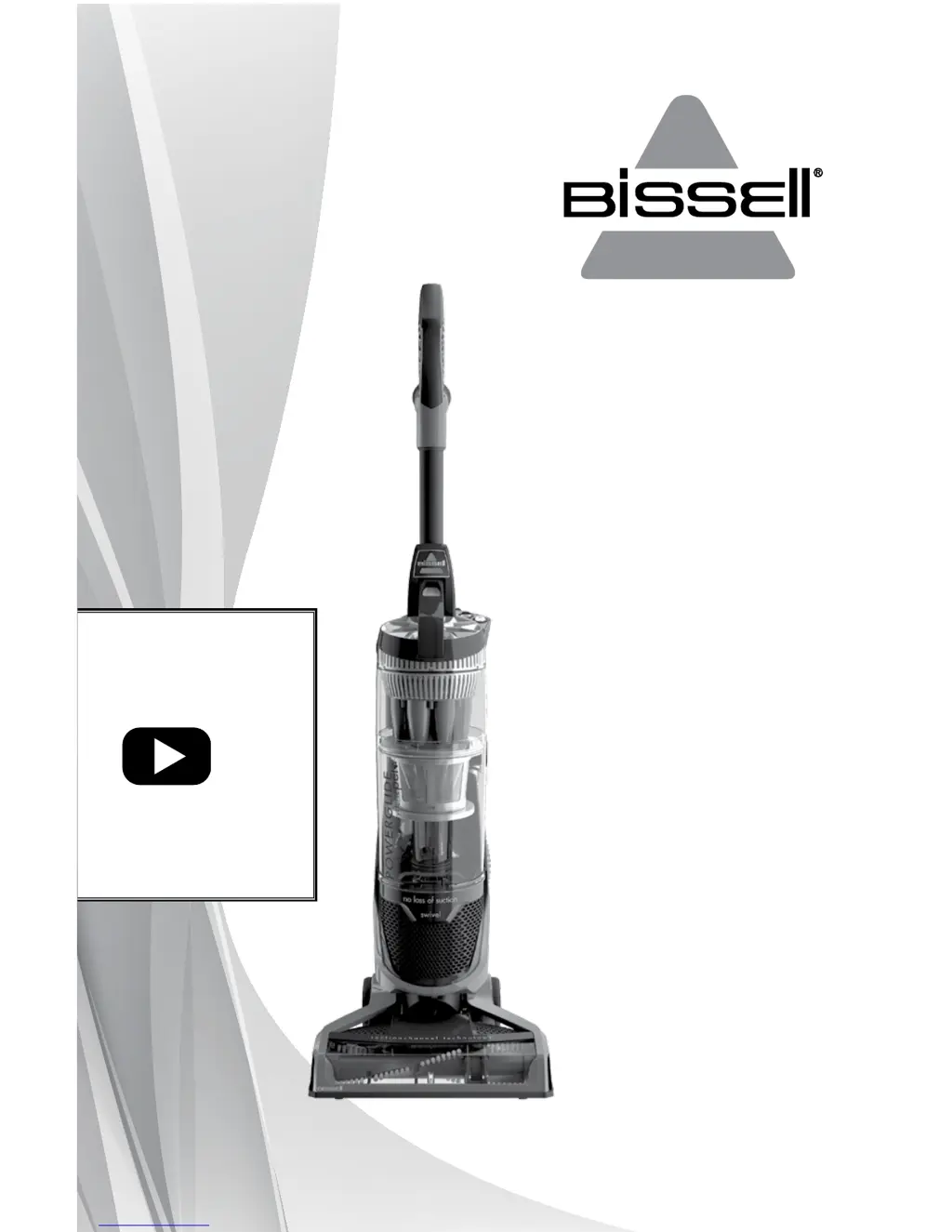
POWERGLIDE
®
USER GUIDE
1305 & 1306 SERIES
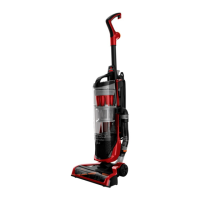
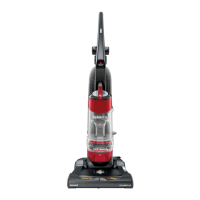
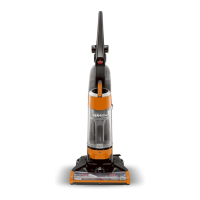
*Product images may vary
For How-To
videos, go to
www.youtube.com/
user/BISSELLClean
Sections marked
with this video
icon have more
information online.
Service Questions: Contact Bissell at 800-237-7691.
Sales Inquiries: Contact Sylvane at 800-934-9194 or visit
www.sylvane.com.

Questions and Answers

  • B
    Brianna JonesJul 27, 2025
    Why won't my Bissell 1305 pick up dirt?
    • B
      Brandon CraigJul 27, 2025
      Several factors can prevent your Bissell Vacuum Cleaner from picking up dirt. The dirt container might be full or not installed correctly, so ensure it is empty and properly positioned. Check for clogs, and make sure the lower main hose is correctly attached. The rotating floor brush may not be working or its bristles may be worn, requiring you to turn on the power to the rotating brush-roll or replace the brush. Also, the filters could be dirty, and the variable suction power might be set too low; clean the filters and rotate the variable suction counter-clockwise for full suction power. Finally, inspect the hose for cracks or holes.
  • G
    Gerald Evans DDSJul 31, 2025
    What to do if Bissell Vacuum Cleaner won't turn on?
    • E
      ebryantJul 31, 2025
      If your Bissell Vacuum Cleaner won’t turn on, start by checking the electrical plug to ensure the power cord is properly plugged in. Also, check the fuse or reset the breaker, as a blown fuse or tripped breaker could be the cause.
  • J
    Jennifer RomeroAug 4, 2025
    Why is my Bissell Vacuum Cleaner not picking up dirt?
    • V
      Veronica VargasAug 4, 2025
      There are several reasons why your Bissell Vacuum Cleaner might not be picking up dirt. It could be due to a crack or hole in the hose, which would require you to check the hose and replace it if needed. The rotating floor brush bristles might be worn, which means you should replace the brush. Also, ensure that the dirt container or cyclone is correctly positioned and locked in place. Another cause may be that the variable suction power is set to the low setting; in this case, rotate the variable suction counterclockwise for full suction power. Lastly, the filters might be dirty, so check and clean the pre-motor and post-motor filters.
  • R
    rosedebbieAug 8, 2025
    Why is dirt escaping from my Bissell Vacuum Cleaner?
    • E
      Elizabeth BuchananAug 8, 2025
      If you notice dirt escaping from your Bissell Vacuum Cleaner, the dirt container might be full, so you should empty it. Also, the filters or secondary cyclone might be missing or installed incorrectly; check these components for correct installation. Finally, make sure the dirt container is correctly installed by pulling it out and re-inserting it properly.
  • M
    Mark HenryAug 13, 2025
    How to fix no power at rotating floor brush on Bissell 1305?
    • J
      Jared MillerAug 13, 2025
      If there is no power at the rotating floor brush of your Bissell Vacuum Cleaner, first ensure that the brush switch is in the "ON" position. Also, the vacuum must be reclined to operate the brush. If the brushroll automatically turned off to prevent damage due to clog or large debris in brushroll, locate brush reset button on lower back right of unit and press red button.
  • A
    Alejandro JohnsonAug 17, 2025
    What to do if my Bissell Vacuum Cleaner won’t turn on?
    • C
      Cameron HuertaAug 17, 2025
      If your Bissell Vacuum Cleaner won’t turn on, it could be due to a blown fuse or tripped breaker; check and replace the fuse or reset the breaker. Another possibility is that the vacuum is in the upright position; recline the vacuum to operate the brush.
  • E
    Elizabeth CombsAug 21, 2025
    How to restore power to the rotating floor brush on my Bissell 1305 Vacuum Cleaner?
    • A
      Amy LarsonAug 21, 2025
      If there is no power at the rotating floor brush of your Bissell Vacuum Cleaner, the brushroll may have automatically turned off to prevent damage due to a clog or large debris. Locate the brush reset button on the lower back right of the unit and press the red button.

Summary

Important Safety Instructions

General Safety Precautions

Covers primary warnings, electrical safety, and usage guidelines.

Product View

Assembly

Handle Assembly

Step-by-step guide for attaching the vacuum handle.

Operations

Above Floor Cleaning

Steps for detaching the hose and handle for above-floor cleaning.

Above Floor Cleaning Tools

Details on specific attachments like Crevice Tool, TurboBrush, etc.

Maintenance & Care

Emptying the Dirt Container

How to remove and empty the dirt container.

Troubleshooting

Vacuum Cleaner Wont Turn On

Possible causes and remedies for a vacuum that won't power on.

Bissell 1305 SERIES Specifications

General IconGeneral
BrandBissell
Model1305 SERIES
CategoryVacuum Cleaner
LanguageEnglish

Related product manuals