EasyManua.ls Logo

Bissell 1306 SERIES - User Manual

Bissell 1306 SERIES
16 pages
Print Icon
To Next Page IconTo Next Page
Loading...
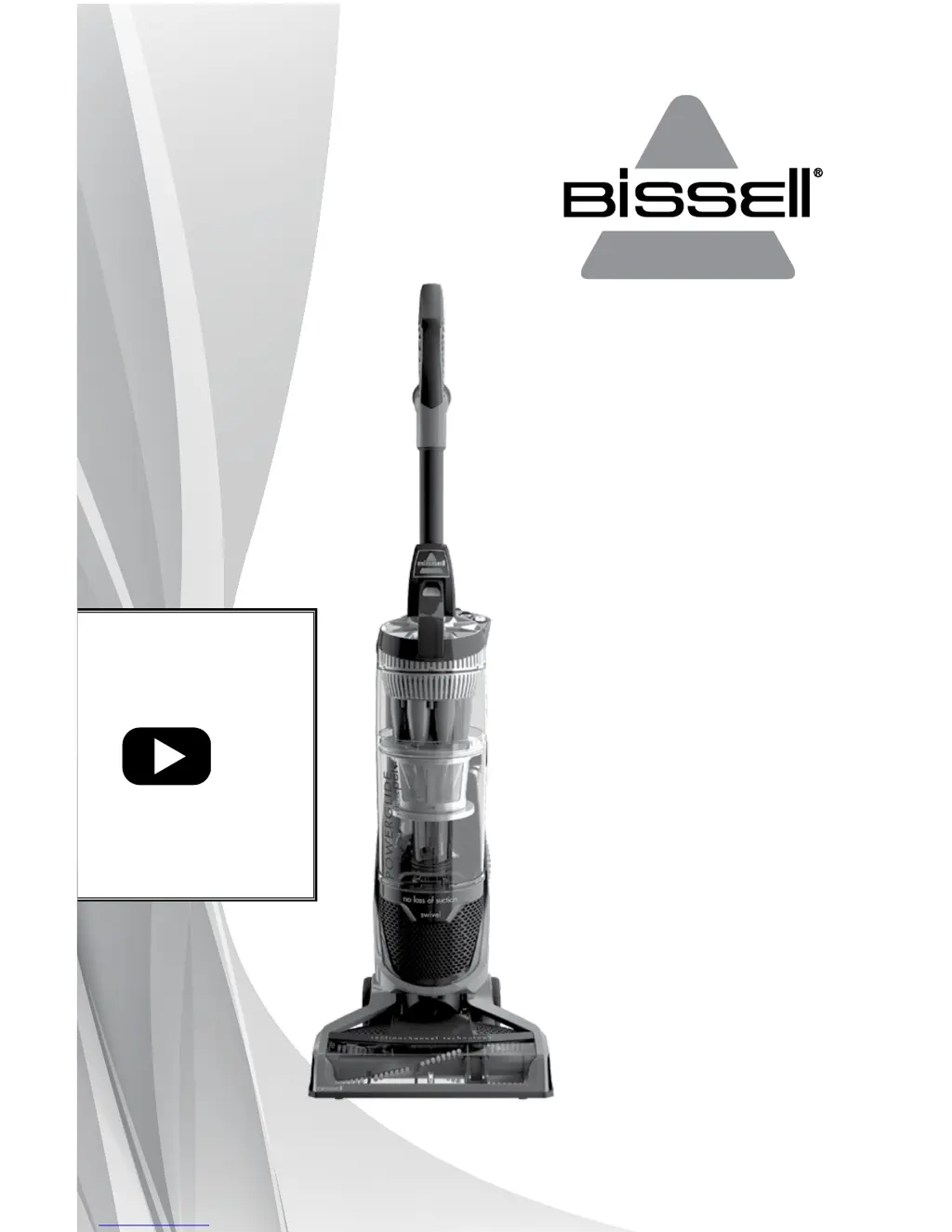
POWERGLIDE
®
USER GUIDE
1305 & 1306 SERIES
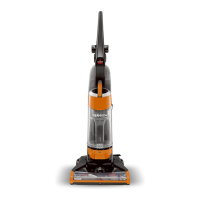
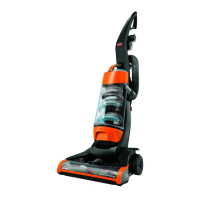
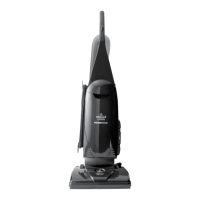
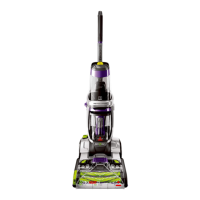
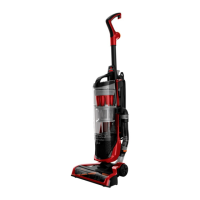
*Product images may vary
For How-To
videos, go to
www.youtube.com/
user/BISSELLClean
Sections marked
with this video
icon have more
information online.
Service Questions: Contact Bissell at 800-237-7691.
Sales Inquiries: Contact Sylvane at 800-934-9194 or visit
www.sylvane.com.

Questions and Answers

  • M
    Michael GarzaAug 1, 2025
    Why is my Bissell Vacuum Cleaner not picking up dirt?
    • M
      Mckenzie BallAug 1, 2025
      There are several reasons why your Bissell Vacuum Cleaner might not be picking up dirt. It could be due to a crack or hole in the hose, which would require you to check the hose and replace it if needed. The rotating floor brush bristles might be worn, which means you should replace the brush. Also, ensure that the dirt container or cyclone is correctly positioned and locked in place. Another cause may be that the variable suction power is set to the low setting; in this case, rotate the variable suction counterclockwise for full suction power. Lastly, the filters might be dirty, so check and clean the pre-motor and post-motor filters.
  • B
    benjaminshermanAug 8, 2025
    What to do if my Bissell 1306 Vacuum Cleaner won’t turn on?
    • N
      Nicholas AndersonAug 8, 2025
      If your Bissell Vacuum Cleaner won’t turn on, it could be due to a blown fuse or tripped breaker; check and replace the fuse or reset the breaker. Another possibility is that the vacuum is in the upright position; recline the vacuum to operate the brush.
  • M
    mwilliamsAug 17, 2025
    Why is dirt escaping from my Bissell 1306 Vacuum Cleaner?
    • R
      Raymond AndrewsAug 17, 2025
      If you see dirt escaping from your Bissell Vacuum Cleaner, the dirt container might be full; empty it. Also, the filters or secondary cyclone might be missing or installed incorrectly; check the secondary cyclone, pre-motor, and post-motor filters for correct installation. It's also possible that the dirt container is installed incorrectly; pull it out and re-insert it correctly.
  • J
    Jonathan LaraAug 25, 2025
    How to restore power to the rotating floor brush on my Bissell 1306 Vacuum Cleaner?
    • T
      tamaraevansAug 25, 2025
      If there is no power at the rotating floor brush of your Bissell Vacuum Cleaner, the brushroll may have automatically turned off to prevent damage due to a clog or large debris. Locate the brush reset button on the lower back right of the unit and press the red button.

Summary

Important Safety Instructions

General Vacuum Operation Safety

Comprehensive safety guidelines for operating the vacuum cleaner, including electrical, usage, and maintenance precautions.

Product View

Assembly

Handle Assembly

Step-by-step instructions for assembling the vacuum cleaner's handle.

Operations

Powering On and Off

Instructions on how to turn the vacuum cleaner on and off.

Brush Roll Operation

Guide to using the brush roll switch for different cleaning surfaces.

Transporting the Cleaner

Methods for safely moving the vacuum cleaner.

Variable Suction Adjustment

Explanation of how to adjust suction power for different surfaces.

Above Floor Cleaning

Steps for detaching and using the hose for cleaning above the floor.

Above Floor Cleaning Tools

Details on various specialized tools for above-floor cleaning.

Maintenance & Care

Emptying the Dirt Container

Procedure for emptying the vacuum cleaner's dirt container.

Cleaning the Pre-Motor Filter

Instructions for cleaning the pre-motor filter.

Cleaning the Inner Cyclone

Steps for cleaning the inner cyclone assembly.

Replacing the Post-Motor Filter

Guide on how to replace the post-motor filter.

Rotating Brush and Drive Belt Maintenance

Procedure for maintaining the brush roll and drive belt.

Brush Roll Reset Procedure

Steps to reset the brush roll if it has stopped rotating due to a clog.

Maintaining TurboBrush & Pet TurboEraser Tools

Instructions for maintaining specific vacuum cleaner attachments.

Troubleshooting

Vacuum Cleaner Wont Turn On

Troubleshooting steps for a vacuum cleaner that fails to power on.

No Power at Rotating Floor Brush

Solutions for issues where the rotating floor brush is not functioning.

Vacuum Cleaner Wont Pick Up Dirt

Steps to resolve problems with the vacuum's suction or dirt pickup.

Visible Dirt Escaping from Cleaner

Troubleshooting for instances where dirt is leaking from the vacuum cleaner.

Warranty Information

Product Service and Support

BISSELL Consumer Care

Bissell 1306 SERIES Specifications

General IconGeneral
BrandBissell
Model1306 SERIES
CategoryVacuum Cleaner
LanguageEnglish

Related product manuals