EasyManua.ls Logo

Bissell 1313 Series - User Manual

Bissell 1313 Series
12 pages
Print Icon
To Next Page IconTo Next Page
Loading...
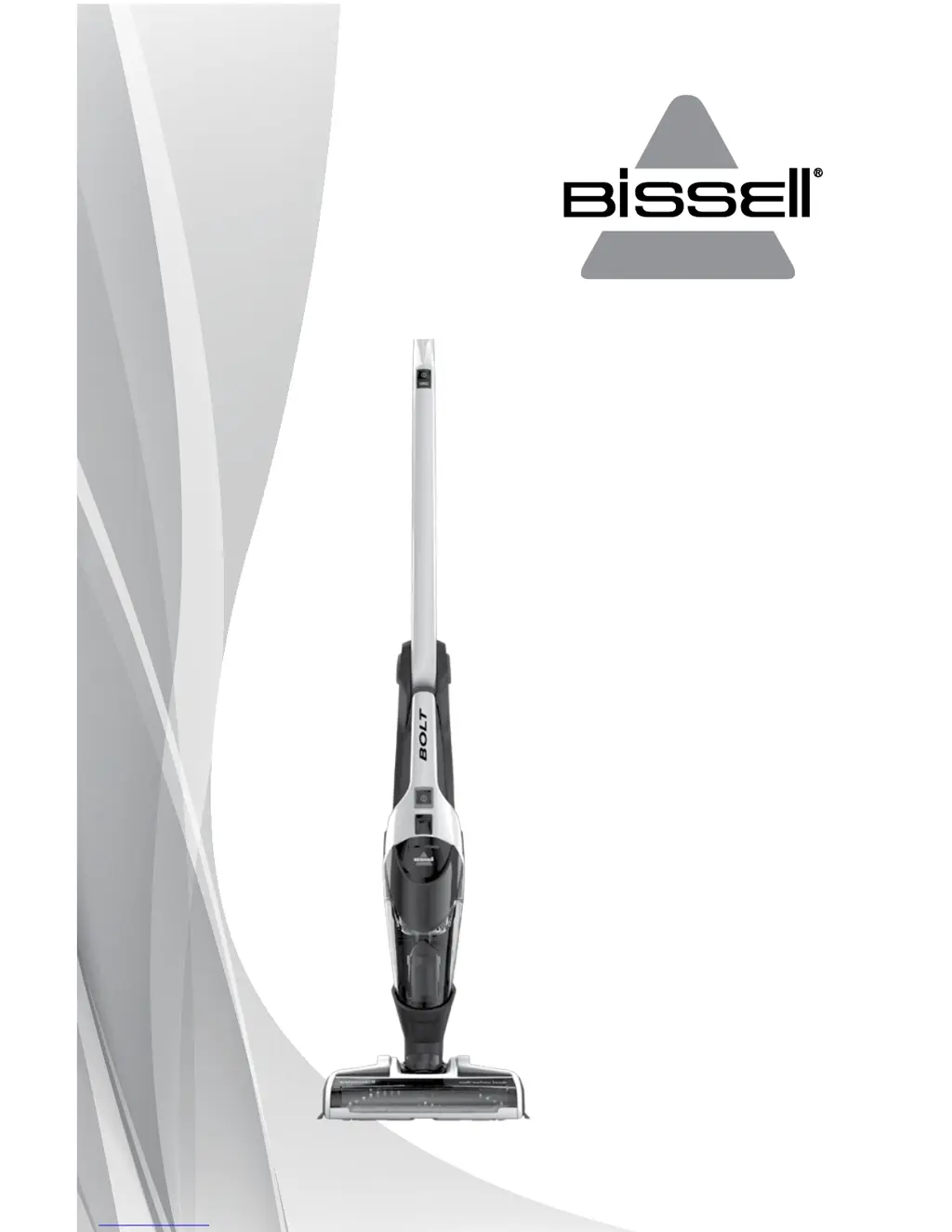
BOLT
™
2-IN-1 CORDLESS VACUUM
USER GUIDE
1313, 1315 SERIES

Questions and Answers

  • K
    kellyjohnJul 26, 2025
    Why does my Bissell 1313 Vacuum Cleaner have low suction?
    • C
      Christopher RamseyJul 26, 2025
      If your Bissell Vacuum Cleaner has low suction, start by emptying the dirt container. Ensure the dirt container is correctly positioned and firmly snapped into place. Check that the foot is fully inserted into the body of the unit. Clean the filters, following the instructions. Also, detach the foot from the main body to inspect and remove any clogs from the ports.
  • N
    Natasha SawyerAug 11, 2025
    What to do if visible dirt is escaping from Bissell 1313 Vacuum Cleaner?
    • C
      Charles WilliamsAug 11, 2025
      If you see dirt escaping from your Bissell Vacuum Cleaner, the dirt container may be full of debris; empty it. Also, check the filter to ensure it is installed correctly. Finally, make sure the dirt container is positioned correctly and snapped firmly into place.

Summary

Important Safety Instructions

General Safety Warnings

Lists precautions to reduce risk of fire, electric shock, or injury during use.

Polarized Plug Precautions

Explains the polarized plug and its use to reduce electric shock risk.

Product View

Vacuum Components Identification

Identifies all parts of the BISSELL Bolt vacuum cleaner and its accessories.

Assembly and Initial Setup

Assembly Instructions

Details the simple, tool-free assembly process for the vacuum cleaner.

Charging the Vacuum

Instructions on how to charge the vacuum and understand battery status indicators.

Operating Your Vacuum

Using the Cordless Vacuum

Explains how to use power, brush roll, and suction controls for cleaning.

2-Way Folding Handle

How to use the folding handle for cleaning under furniture and for storage.

Using the Hand Vacuum

Detaching and using the hand vacuum with accessories for various cleaning tasks.

Maintenance and Care

Emptying the Dirt Cup

Steps to remove and empty the dirt cup to maintain optimal performance.

Cleaning or Replacing the Filter

Instructions for cleaning and replacing the vacuum's filter for peak efficiency.

Brush Roll Maintenance

How to clean the brush roll by removing debris to ensure effective cleaning.

Brush Roll Reset

Procedure to reset the brush roll after it shuts off due to obstructions.

Disposal of Batteries

Step-by-step guide for safely removing and disposing of rechargeable batteries.

Troubleshooting Common Issues

Vacuum Wont Turn On

Addresses issues like battery not charged or wrong charger being used.

Brush Roll Not Turning

Solutions for jammed brush rolls or broken belts.

Low Suction Issues

Explains causes like full dirt container or clogged filters.

Visible Dirt Escaping

Troubleshooting steps for dirt escaping from the cleaner.

Vacuum Wont Charge

Identifies potential causes like incorrect charger or machine position.

Replacement Parts

Parts for 1313 Series

List of available replacement parts for the BISSELL Bolt 1313 Series.

Parts for 1315 Series

List of available replacement parts for the BISSELL Bolt 1315 Series.

Warranty and Service

Limited One-Year Warranty

Details the terms, coverage, and limitations of the product's warranty.

How to Obtain Service

Provides contact information and website for product service and support.

Product Registration and Support

Registering Your Product

Information on how to register the product for benefits like rewards and faster service.

BISSELL Consumer Care

Contact details and website for customer support, repairs, and warranty questions.

Bissell 1313 Series Specifications

General IconGeneral
BrandBissell
Model1313 Series
CategoryVacuum Cleaner
LanguageEnglish

Related product manuals