■ Table of Contents
1. Setting Up the Printer .................................................................................................. 7
1-1 Unpacking ................................................................................................................ 7
1-2 Connecting the Cables ............................................................................................. 8
1-2-1 Serial Cable (RS-232C) ................................................................................ 8
1-2-2 Parallel Cable (IEEE1284) ......................................................................... 12
1-2-3 USB Cable ................................................................................................. 13
1-2-4 Ethernet Cable ........................................................................................... 13
1-3 Drawer Cable ......................................................................................................... 14
1-4 Setting the Dip Switches......................................................................................... 15
1-4-1 Serial Interface ........................................................................................... 15
1-4-2 Parallel / Ethernet Interface ........................................................................ 15
1-5 Installing or Replacing the Paper Roll .................................................................... 16
1-6 Recommended Papers ........................................................................................... 18
1-7 Using the Printer ..................................................................................................... 18
1-7-1 Control Panel ............................................................................................. 18
1-7-2 Mounting 2” Partition .................................................................................. 18
1-8 Connecting the computer ....................................................................................... 19
1-9 Connecting the Power Supply ................................................................................ 19
2. Self Test ..................................................................................................................... 20
3. Hexadecimal Dumping .............................................................................................. 21
4. Specification .............................................................................................................. 22
5. Appendix .................................................................................................................... 23
5-1 Cleaning Printer ...................................................................................................... 23

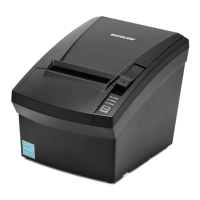


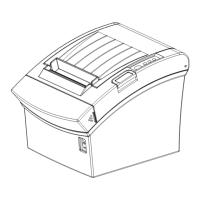

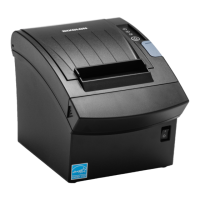
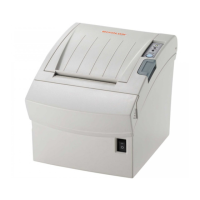



 To Next Page