BJ-256 BJ Control Pro
User Guide
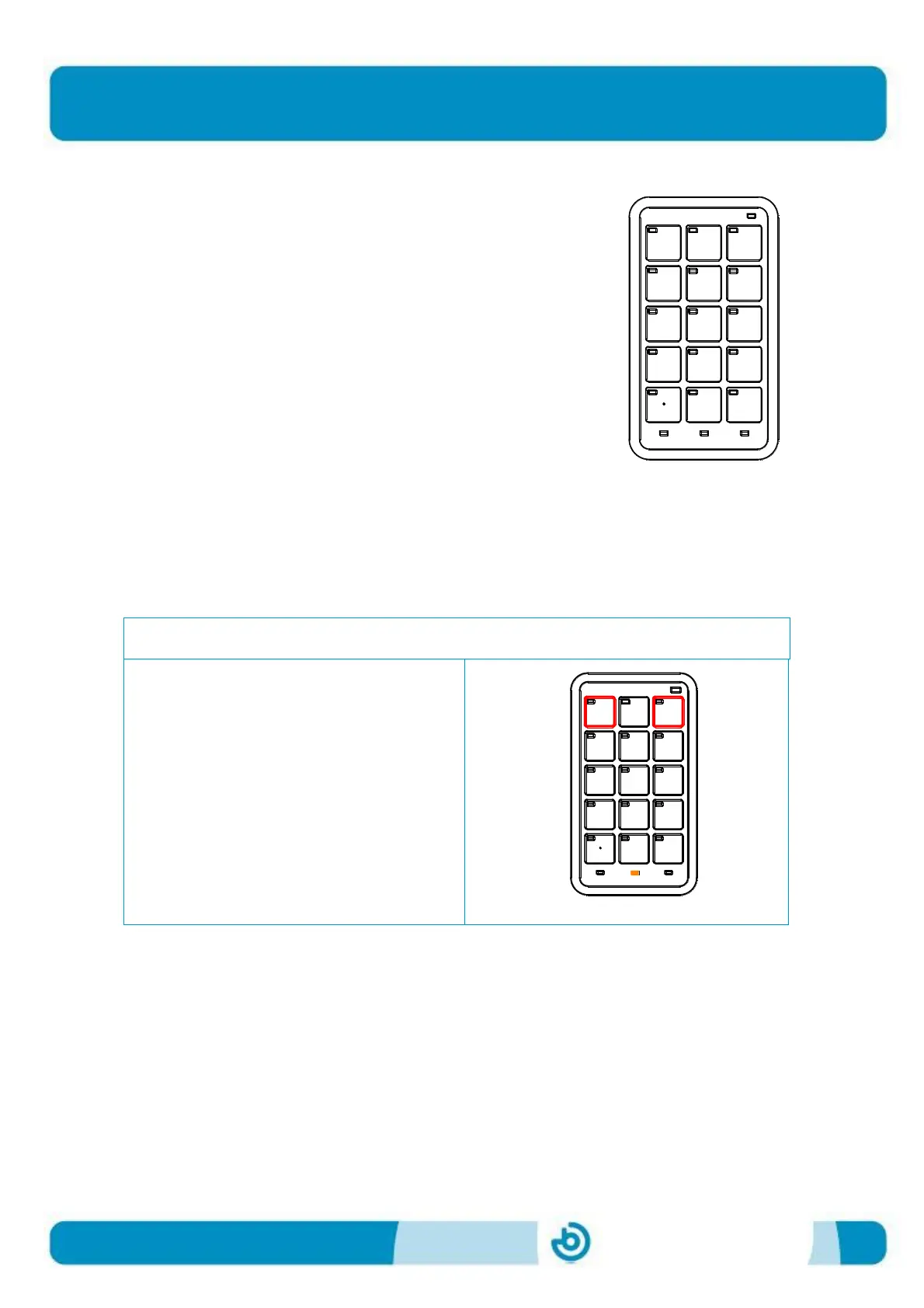
It is a good idea to use the programming template when
programming as it indicates the numbers and functions
associated with each key.
Programming template
In the following example, we will programme key 2 in level 1 to control an alarm
receiver with an "RF code" of 25. The programming steps are as follows:
1. Select the programming mode on the remote
Simultaneously activate the keys
numbered 1 and 3 on the programming
template. The battery LED will turn
green.


 To Next Page