BJ-256 BJ Control Pro
User Guide
IMPORTANT: You can exit programming by activating the last key ("S" or "ESC"
key) again at any time during the process.
NOTE: Code 255 cancels all functions assigned to a key.
3.3 Programming for infrared receivers
Prepare the remote you want to duplicate. Make sure that there are no other
infrared devices switched on in the room (some laptops, mobile telephones and
other devices could interfere with the recording process).
When duplicating a remote control for a device, you need to remember that each
key on the remote can only be programmed with a single function of the remote
control of the device. For example, if you wish to control the volume of a stereo
system, you need to record the "volume up" function on one key (e.g. key 2) and
the "volume down" function on another (e.g. key 3).
To programme an infrared function, follow steps 1, 2 and 3 of the previous section
for RF code recording, and then:
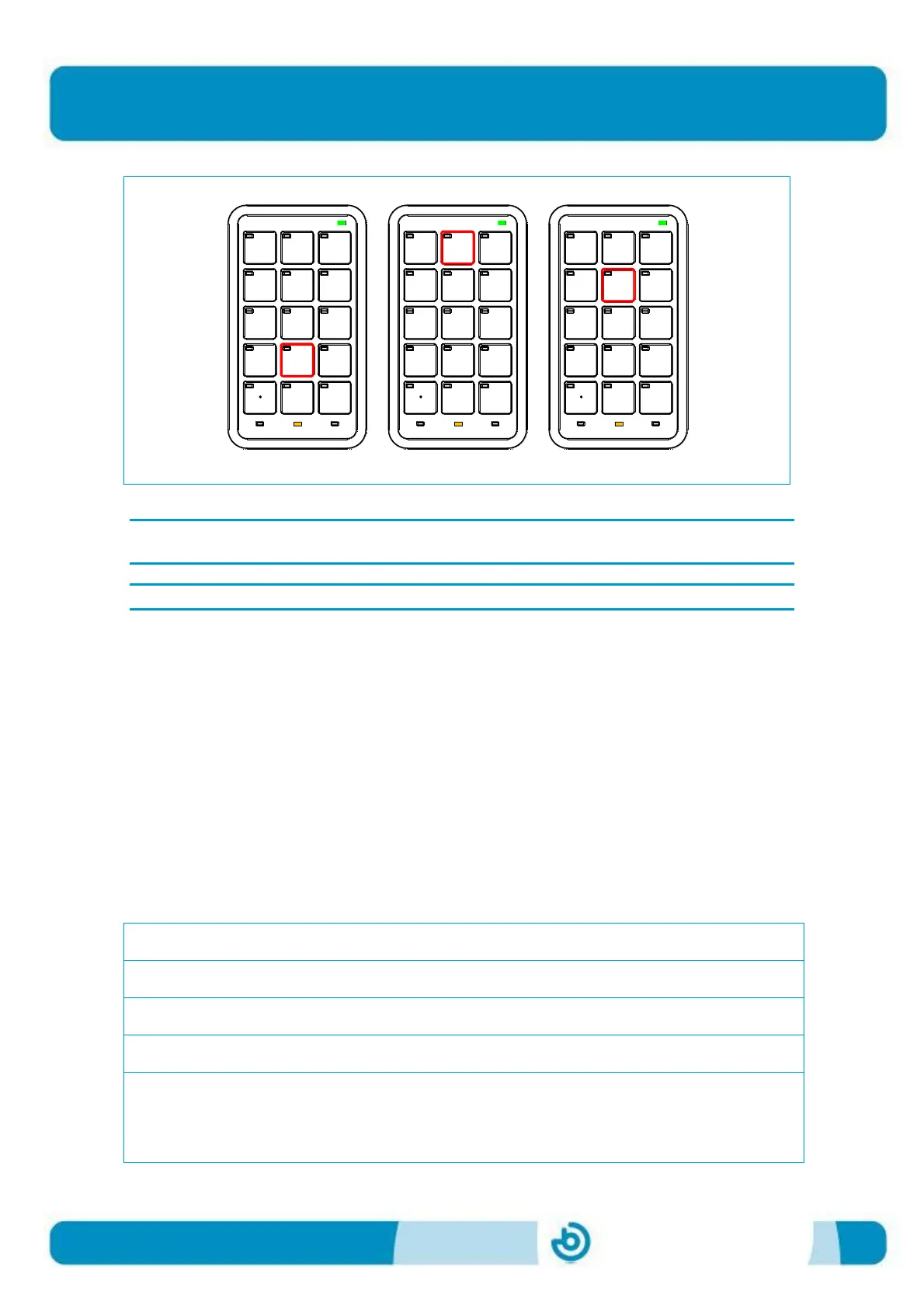
1. Choose the level you require
2. Select the programming mode on the remote
3. Choose the key you wish to programme
In this step, enter the code 000 by pressing the 0 key on the remote three times in
a row. After 1 second, the battery LED will turn red, indicating that the remote is
ready to record the infrared signal.
1
4
7
*
2
5
8
0
X
3
6
9
#
ESC
1
4
7
*
2
5
8
0
X
3
6
9
#
ESC
1
4
7
*
2
5
8
0
X
3
6
9
#
ESC


 To Next Page