BJ-256 BJ Control Pro
User Guide
The remote uses radio frequency signals to control BJ System receivers, so you can
activate the receiver without the need for a direct line of sight between the remote
and the receiver.
Infrared signals are used to control devices operated by remote controls that have
been copied to the Control Pro. In this case, there must be a direct line of sight
between the remote control and the receiver, just as there would with the original
remote control.
2.2 Enabling a cell for scanning control
This section explains how to enable a cell on the remote for use with the "scanning"
feature. Although the way that cells are used can be configured to suit the needs of
the user, the scanning control feature comes with a default configuration that can
be used to enable a cell as detailed below.
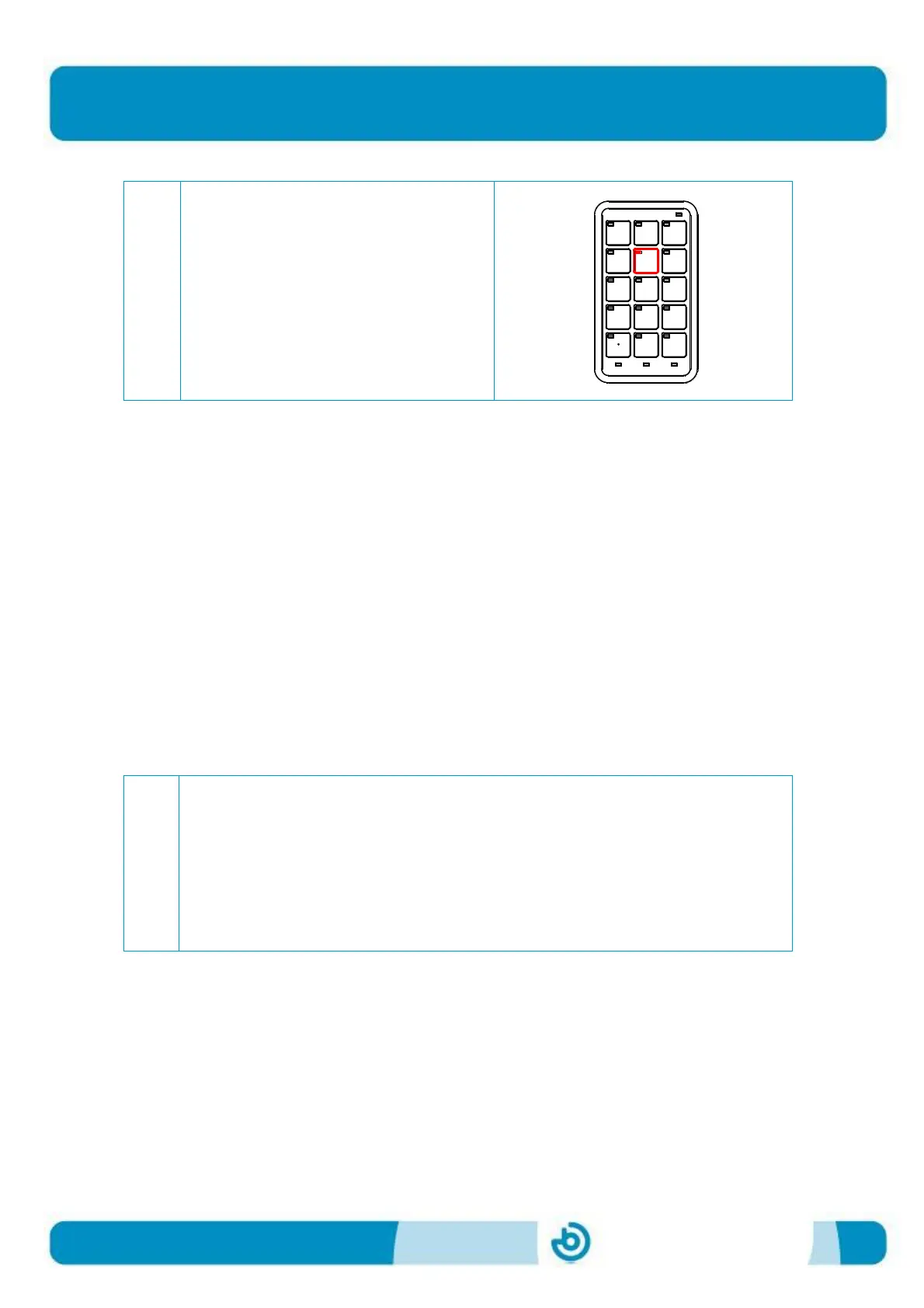
Enable the programmed key (e.g.
key 5) directly by pressing it. When
you press down on the key, its LED
will turn red and it will perform the
programmed action.
Check that the battery is charged. To do this, check that the LED indicating
the battery status (see Figure 2) is not flashing.
If the battery status LED is flashing red, you need to charge the battery by
connecting the charger supplied with the remote control to a USB port on a
computer. When the battery LED turns green, this means that the battery
is charged and you can continue to step 2 after you have disconnected the
charger.


 To Next Page