BJ-256 BJ Control Pro
User Guide
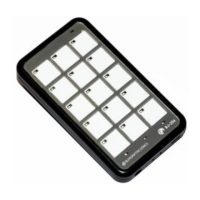
3. Choose the key you wish to programme
In this step, you need to choose which
key on the remote you want to assign
receiver control to. In the example here,
this is the number 2 key.
All keys can be programmed with
functions except for the one used to
change levels, which is typically key
number 15 (represented by the symbol
"S" or "ESC"), but it can also be any
other key that has been programmed to
change the level.
4. Record the receiver code
In this step, the digits of the receiver code are entered one by one.
In the example given (code 025), we must first press the 0 key, followed by the 2
key, and then the 5 key. The LED of each key will turn red for a second when it is
activated.
Then, if programming was successful, the remote returns to the standby position,
except for the LED indicating the selected level which, if levels 2 or 3 are selected,
will turn yellow.
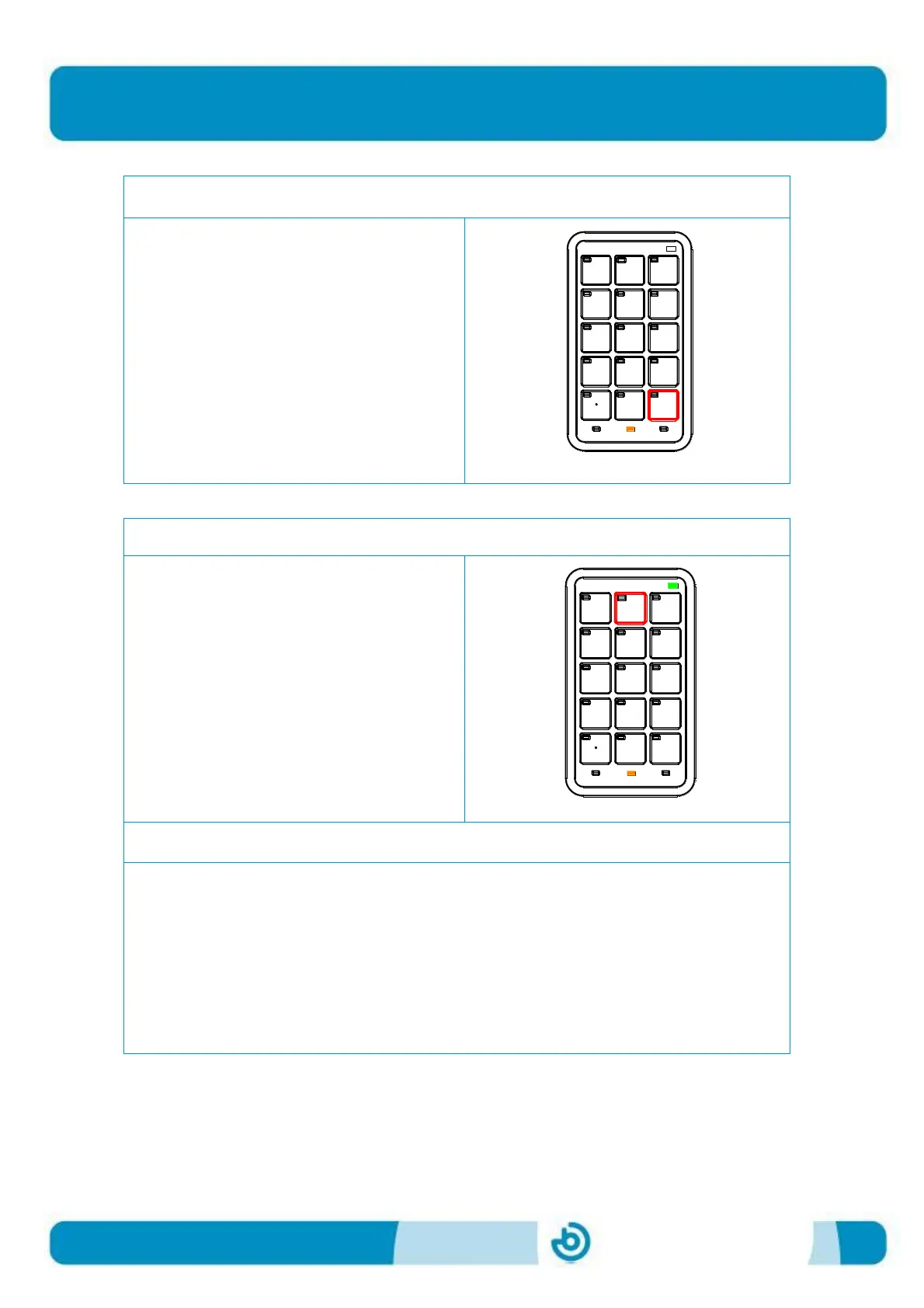
2. Choose the level you require
It is possible to select up to 8 levels. The
level LED indicates which level we are
currently in. By default, the remote
selects level 1 (no level LED is lit up).
To change levels, simply press the cell
on the remote that you assigned level
changing to.


 To Next Page