BJ-256 BJ Control Pro
User Guide
Scan buttons
Indicates the number of active cells on which you wish to scan. To indicate the
number of cells, enter a number from 001 to 015. If less than 15 buttons are
configured and a change of level is required, one button needs to be programmed
to change levels. The number of scan buttons configured will be the same in every
level.
Restore factory default settings
This option sets the value of all parameters to their factory defaults. Code 000
should be entered to reset the remote. If any other value is entered, the remote
will do nothing. The number of levels set by default is 4 and the number of cells 15,
including the key for changing levels.
IMPORTANT: All key programming is lost when the factory default settings are
restored.
To configure any of these parameters, follow the process outlined below.
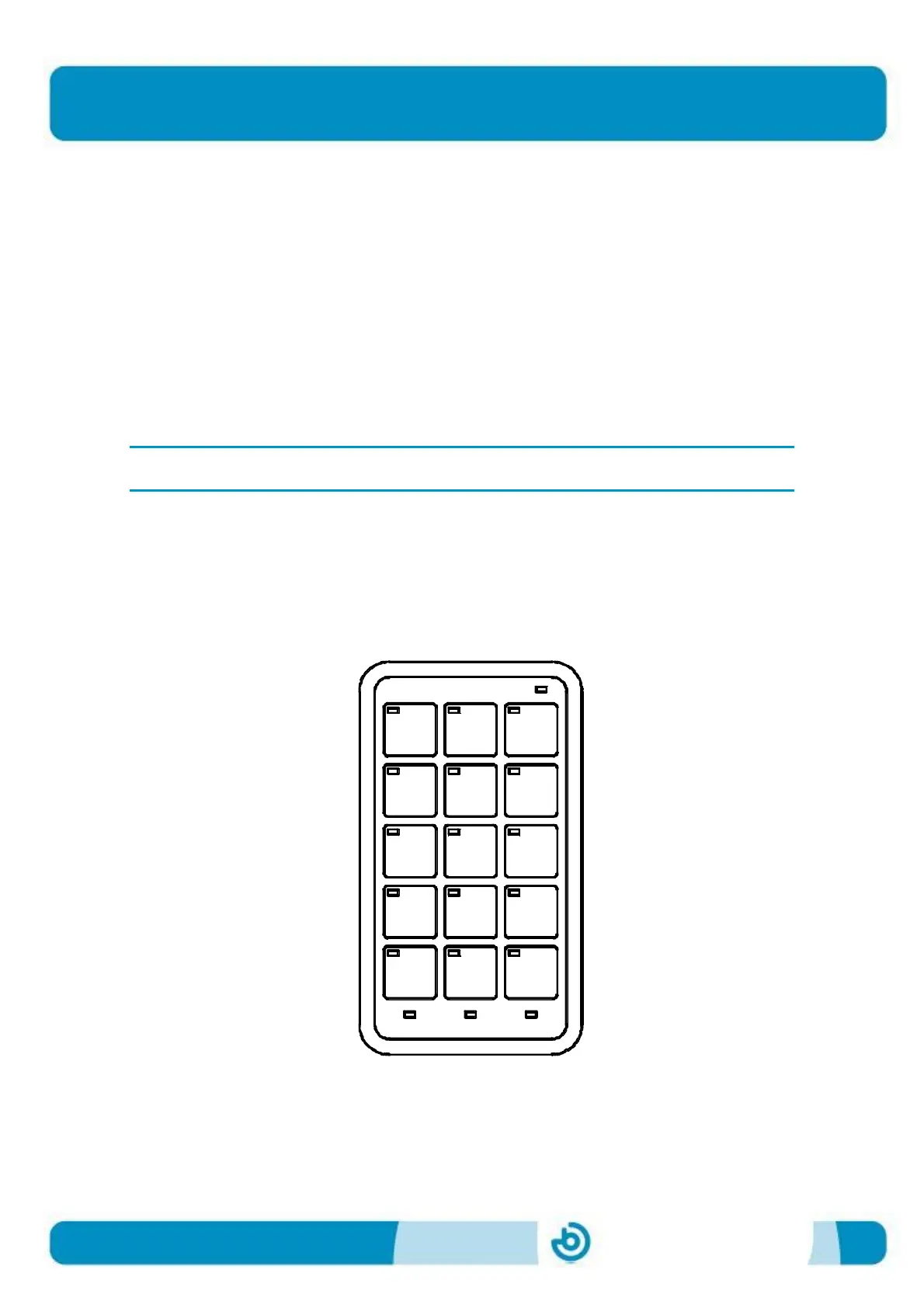
The figure below shows the template required for configuration. It shows the
relationship between each of the cells and the parameter to be set.
To help clarify the explanation, the following description includes an example of the
configuration of a scan time, with the value set to 2 seconds.
Scan
ESC
time
Scan
buttons
Scan
mode
levels
Num.
Extra
time
Press
time
Reset


 To Next Page