18
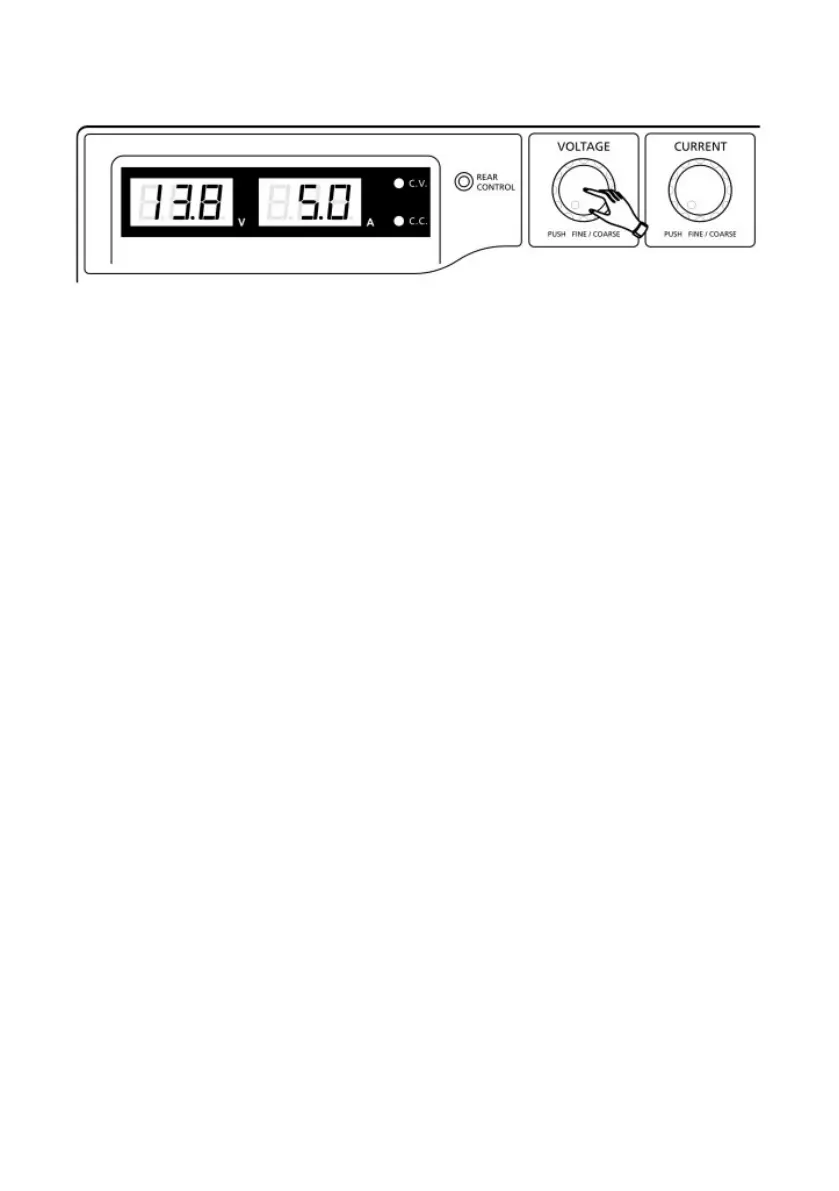
5. Finally, press the Voltage Control Knob to exit.
Note:
All the set values in the presets will be saved even after the power supply
has been turned off.
Always check output voltage of Presets before connecting to load.
To check the preset values, move Mode Selection Switch to “Preset”
position.
Move the Recall Switch to P1, P2, or P3.
The voltage and current settings of corresponding presets P1, P2, or P3 will
be shown on the panel meters.
4.3 Remote Sense
(Model 1900B Only)
WARNING: Never short the remote sense terminal.
Never connect the remote sense terminal in reverse polarity.
Always disconnect the remote sense terminal first after use.
4.3.1 Connection
1. Make the power connections between power supply and equipment.
2. Check and make sure the power connections are secure.
3. Then make connections between Remote Sense Terminal and equipment.










 To Next Page