4
5
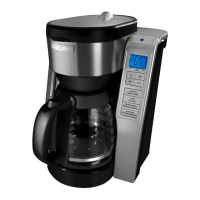
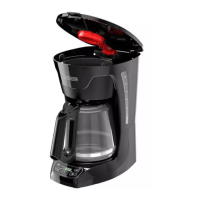
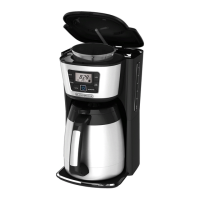
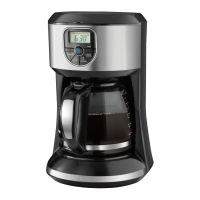
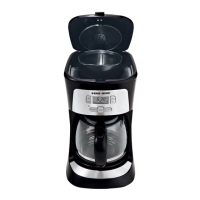
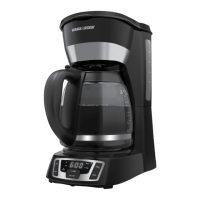
Product may vary slightly from what is illustrated.
† 1. Brew strength selection knob (Part # CM9050C-01)
2. Brew basket lid
† 3. Removable filter basket (Part # CM9050C-03)
4. Water reservoir
5. Power ( ) button
6. Digital display
7. Control panel
8. Sneak-A-Cup® feature
† 9. Glass carafe with water & brewed coffee markings (Part # CM9050C-04)
10. Adjustable warming plate
11. Adjustable retractable power cord (not shown)
Note: † indicates consumer replaceable/ removable parts
CONTROL PANEL
1. Power ( ) button: Use to turn coffeemaker on and start brewing
process. You can also turn coffeemaker off by pressing this button when
the brewing cycle is complete.
2. Digital display: Displays time, once set, as well as indicators for auto
programming, cup selection, warming plate, and auto clean.
3. Minute (MIN) button: Use to display the correct minute when setting
the time.
4. Auto (AUTO) button: Press to activate delayed brewing. You may also
press this button to make coffeemaker turn on at same preset time
the next day.
5. KEEP WARM button: Press to adjust temperature of keep warm carafe
plate. Temperature can be set from levels 1 – 7; default setting is 4.
Setting will show in display window.
6. 1 – 4 CUPS button: Press to select a low-volume brew setting for making
1 – 4 cups of coffee. Icon will appear in display window.
7. TIME SINCE BREWED button: Press to check freshness of brewed coffee.
When pressed, display will show how long since coffee was made; time
of day will reappear once button is released.
8. AUTO CLEAN button: Sets auto clean function. Follow auto clean
instructions in CARE AND CLEANING.
9. Program (PROG) button: Use to program your coffeemaker to start
brewing at a specified time for delayed brewing.
10. Hour (HR) button: Use to display correct hour when setting time.
ENGLISH



 To Next Page
 Loading...