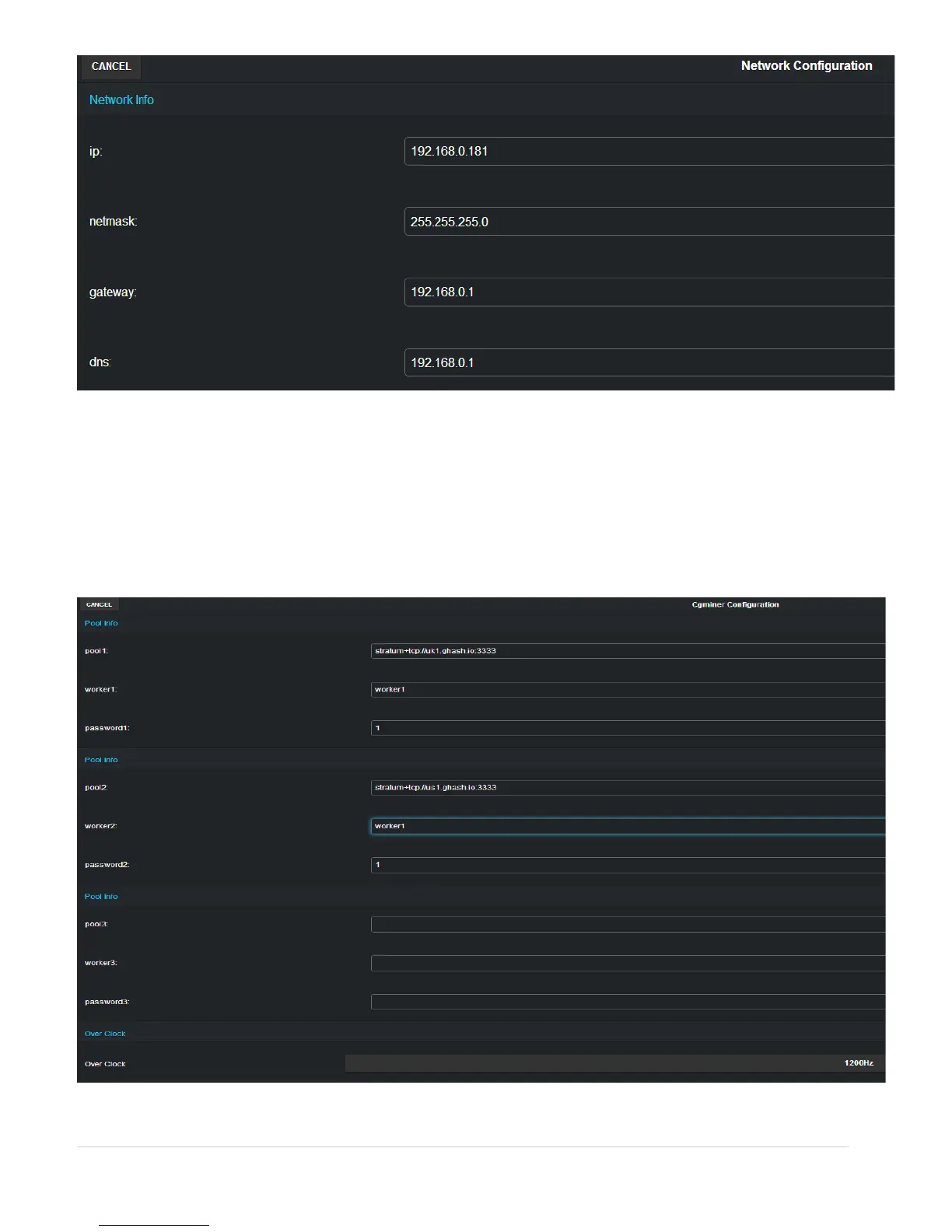
Please note that if the network default IP mask is different from static IP set on the miner,
therefore user will need to change its router, or computer’s IP address to 192.168.0.XXX where
XXX is the desired static IP. After the new IP address is setup, user must press the SAVE button
and the miner will restart automatically.
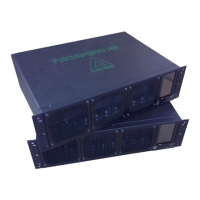
Pool Settings (cgminer)
8 | P a g e


 To Next Page