REMOTE
CONTROL TEST
<1>
CHECKSUM
MAIN PUMP
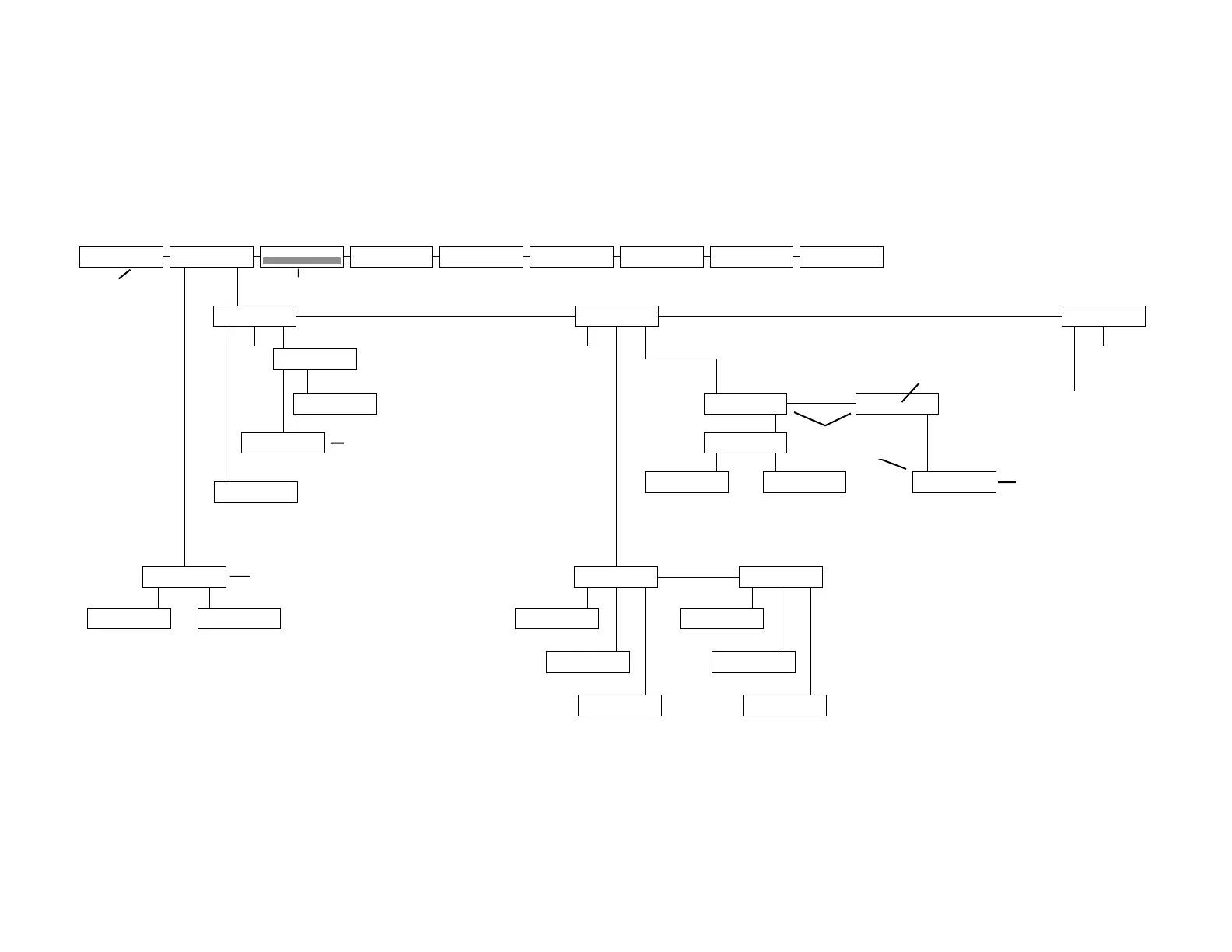
MAIN MENU
RESET RATE
<3>MAIN MENU
SETUP TEST RMT
<2>MAIN MENU
TALK QUICK DIAL
<1>
V.32bis/14.4M
V.32 V4.51/3.25
D TR MR RS CS
9600 TM ER CD RD
TD LINE LEVELS. dBm
TX=-09 RX=-24
ECHO: msec
020 1.0
Hz CHANNEL FREQ
OFFSET: 1.0 Hz
THROUGHPUT
15000 BPS
QUALITY 000 PKT: SIZE
255 0233 00
ERTX MODE
V42bis 38400
RATE
* **
Power-on Screen
Software revision
levels (may be
different than
shown here.)
STATUS SCREENS
Bar graph
(Resets modem. LCD
returns to power-on screen,
then EIA status screen.)
This screen appears only in the
event of a dial failure. Specific
message appears on bottom line.
MANUAL-DIAL
TALK DATA
Displayed only on the
ALX V.32M and ALX
V.32/14.4M.
REMOTE TEST
RDL RDLST
REMOT DIGIT LOOP
ON OFF
RDL SELFTEST
ON OFF
REMOTE
CTRL ADDR/C ADDR
<2>
LOCAL TEST
ALB ALBST ST/E
<1>
ANALOG LOOPBACK
ON OFF
ANALOG SELFTEST
ON OFF
SELFTEST w/ERROR
ON OFF
LOCAL TEST
DLB ALBX ALXST
<2>
DIGITAL LOOPBACK
ON OFF
ANALOG LOOP (EXT)
ON OFF
ANALOG ST (EXT)
ON OFF
If SLOT/C is selected
from REMOTE screen
2 (above), the top line
here will read SLOT
NUMBER: 01.
Data displayed here is for use by servicing personnel.
Screens show software revision levels and various
checksums for both the main processor and the data
pump (transmitter, T, and receiver, R). It is unlikely that
the numbers on your unit will match those shown
here—this is normal.
(Accessed by pressing 1
from EIA status screen.)
Note: When a test is activated, the EIA status screen will be displayed.
Use pushbutton 2 to toggle
between ADDR/C and SLOT/C.
MAIN
V3.02.02
m1_mt9bf2
19BB
Pump
V2.03.1 U52 280C
U51 C5E8
DIAL FAILURE
NO DTR
DIAL CELL:
DEC DIAL INC
e00
ADDRESS :
DEC INC
999,999
AUTO-DIAL
DIAL HANGUPCELL
Displayed on the
Modem 32144.


 To Next Page