877-877-2269 | blackbox.com
Page 28
Chapter 8: Admin Control Panel
Figure 8-12. On-screen display.
Set On-Screen Display via this page.
Type of activation is defined here as well as mode of the On Screen Display. In Advanced mode all functions are available, Basic
mode is more safety (for example network settings can’t be changed).
IIn addition, you can enable or disable some settings for On-Screen Display.
8.10 System
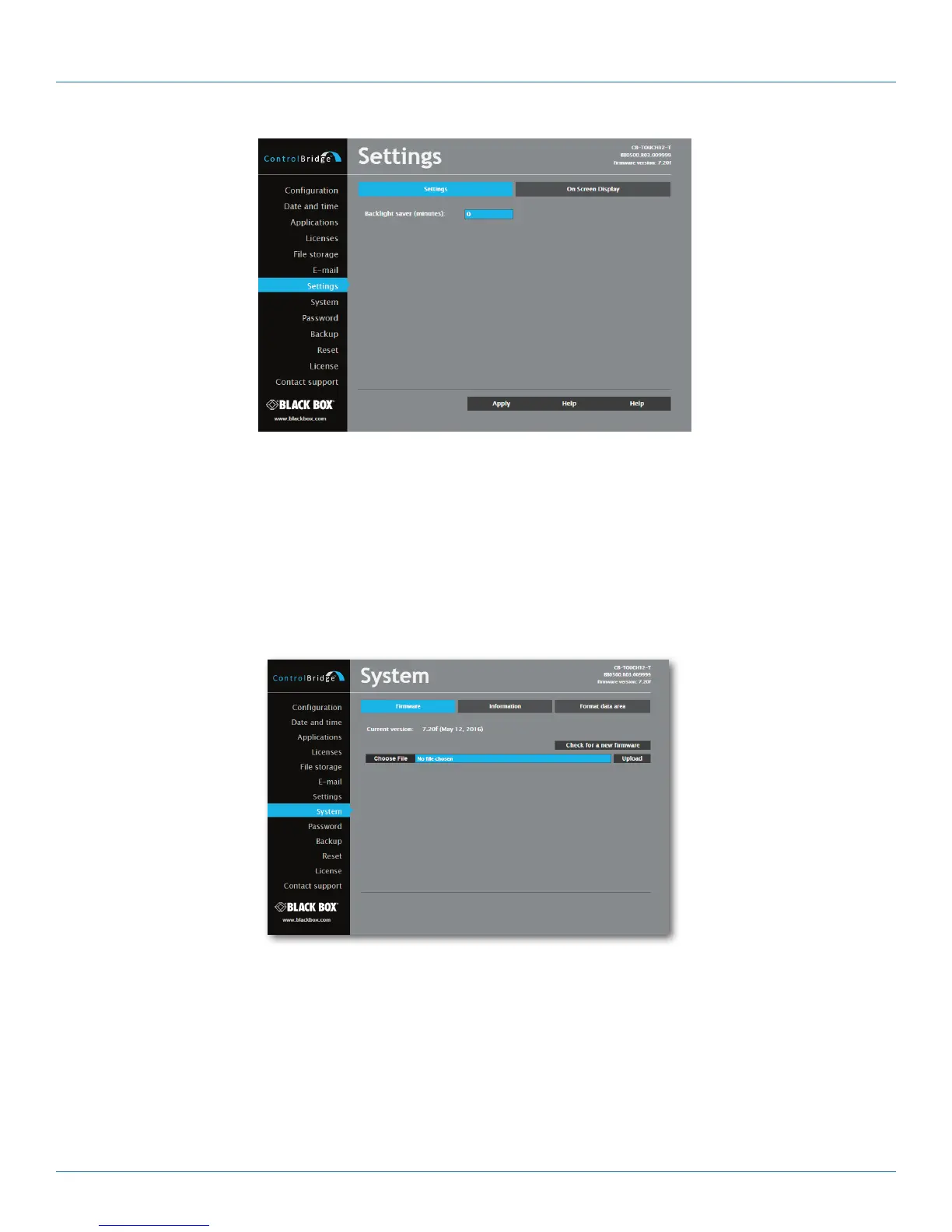
Figure 8-13. Firmware screen.
Use this page to update the ControlBridge Unit firmware. The Current version of firmware is shown. To upload new firmware,
select the desired version and click the Upload button.



 To Next Page