Home
Black Box
Touch Panel
CB-TOUCH7-T
Page 32 (Reset)
Black Box CB-TOUCH7-T - Reset; License
36 pages
Manual
Save Page as PDF
To Next Page
To Next Page
To Previous Page
To Previous Page
Loading...
877
-
877
-22
69 | blackbox.com
Pa
g
e
32
Chapter 8
: Admin Control Panel
8
.1
3
R
e
s
e
t
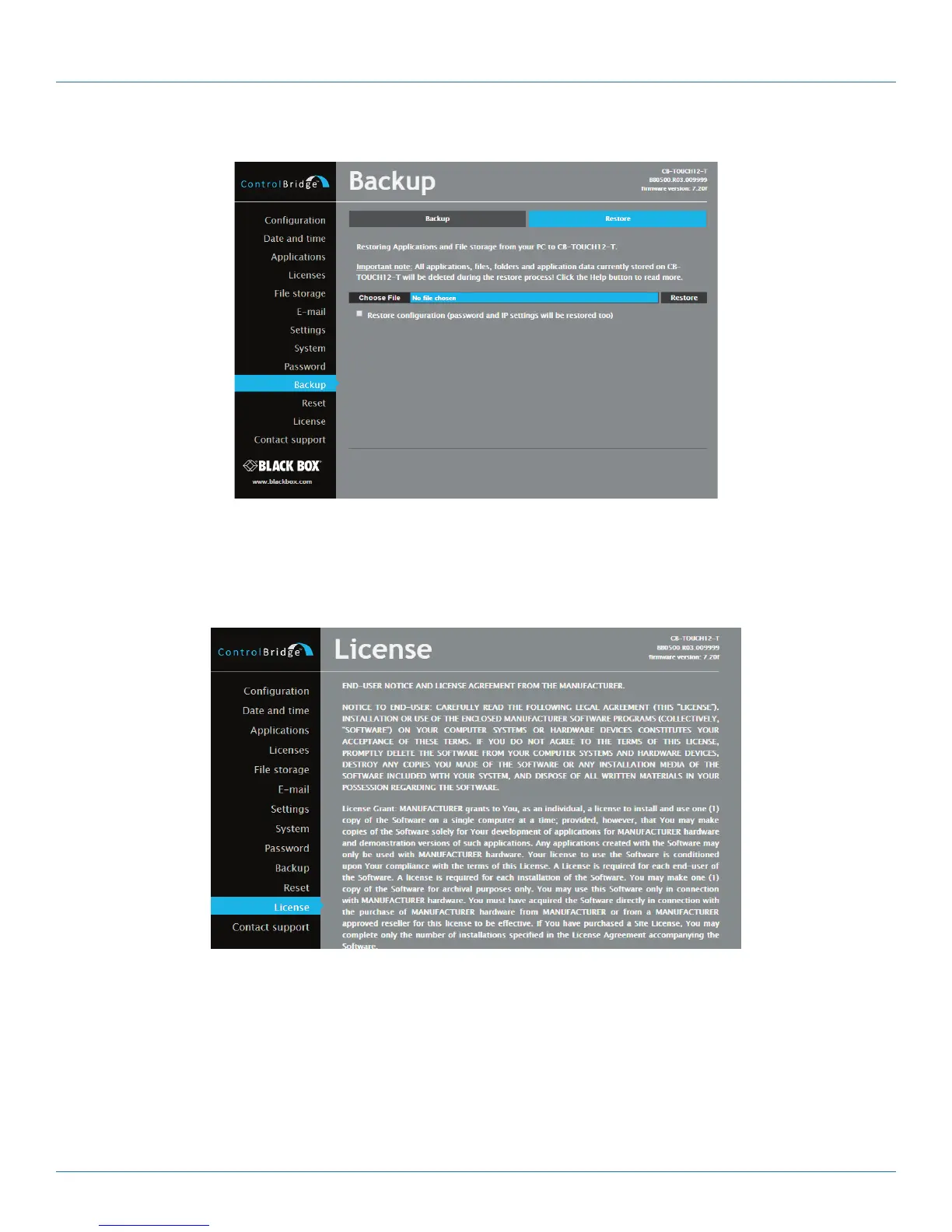
Figure 8
-
1
8.
Reset s
creen.
T
o rest
ar
t your C
ontrolBridge Unit, click the Reset button.
8.
1
4 Lice
nse
Figure 8
-
1
9. License screen.
This page describes the sof
t
ware lic
ense.
31
33
Table of Contents
Main Page
Default Chapter
5
Table of Contents
5
1 Specifications
6
2 Overview
7
Introduction
7
Features
7
What's Included
8
Hardware Description
8
Controlbridge 7" Wired Touch Panel Desk (CB-TOUCH7-T)
8
Controlbridge 12" Wired Touch Panel Desk (CB-TOUCH12-T)
9
3 Installation
10
Mounting
10
Cleaning the Touch Panel
10
Connection
11
Ethernet
11
Direct PC Connection
12
4 Windows Local Network Settings
13
5 Download User Application
15
Overview
15
Using Controlbridge Builder
15
Using Admin Control Panel
16
6 Factory Default and System Default
17
7 On Screen Display
18
Access on Screen Display
18
Startup Menu
18
Settings
18
Status
19
IP Settings
19
Date/Time
20
Applications
20
Exit
21
8 Admin Control Panel
22
Login
22
Configuration
22
Settings
23
Smtp
23
Date and Time
24
Applications
25
File Storage
26
E-Mail
27
Settings
27
System
28
Password
29
Backup
30
Reset
32
License
32



 To Next Page